21
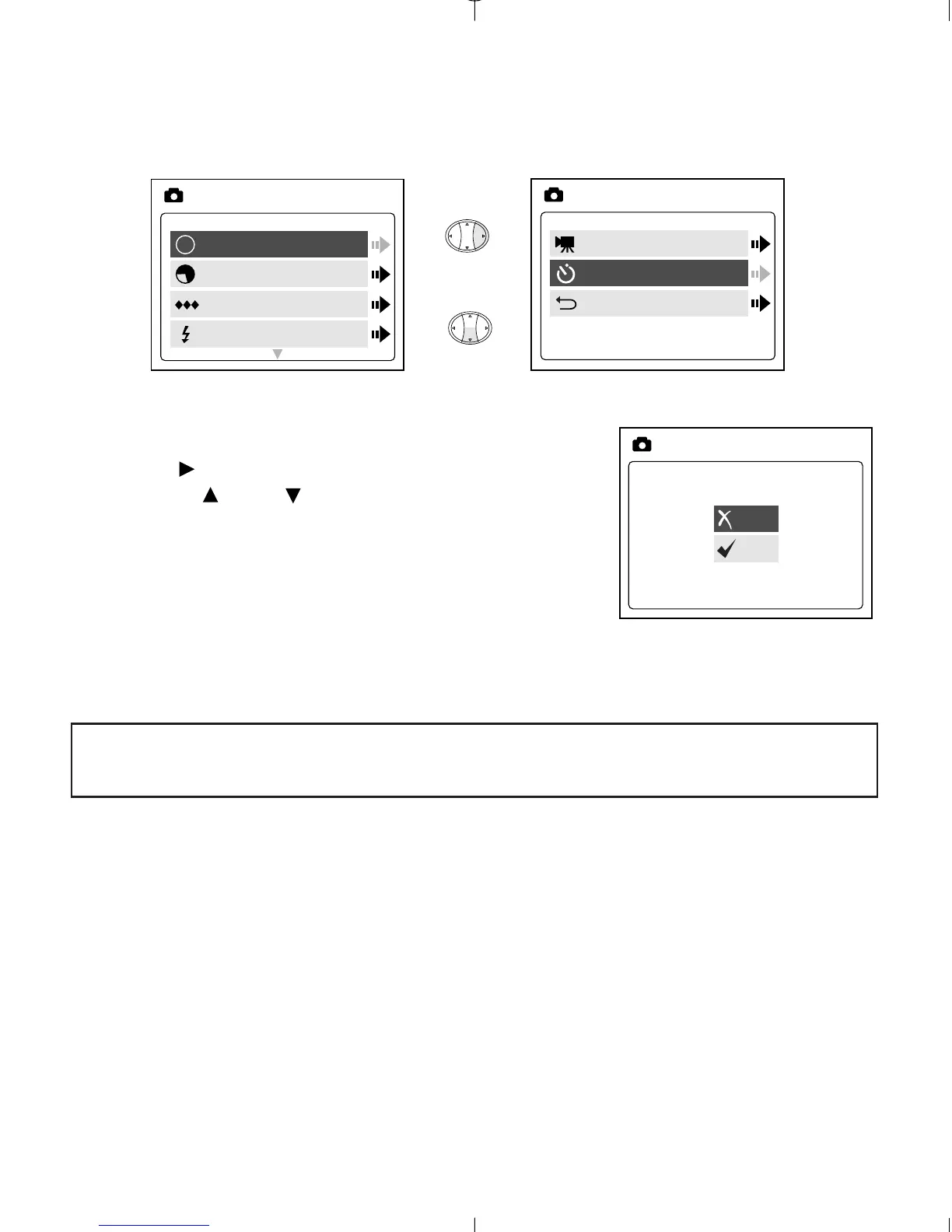
MODE - SELF-TIMER
Self-timer:
1. Highlight Self-timer in the MODE menu, then
press . (fig.2.6)
2. Use the and to highlight Off or On.
3. Press OK to select.
4. Position the subject in the viewfinder or LCD.
5. Press the Shutter button.
6. The camera ready LED and the self-timer LED
will blink for 10 seconds and then the image
will be captured.
Note: The self-timer is automatically deactivated once the image is
taken.



 To Next Page