27
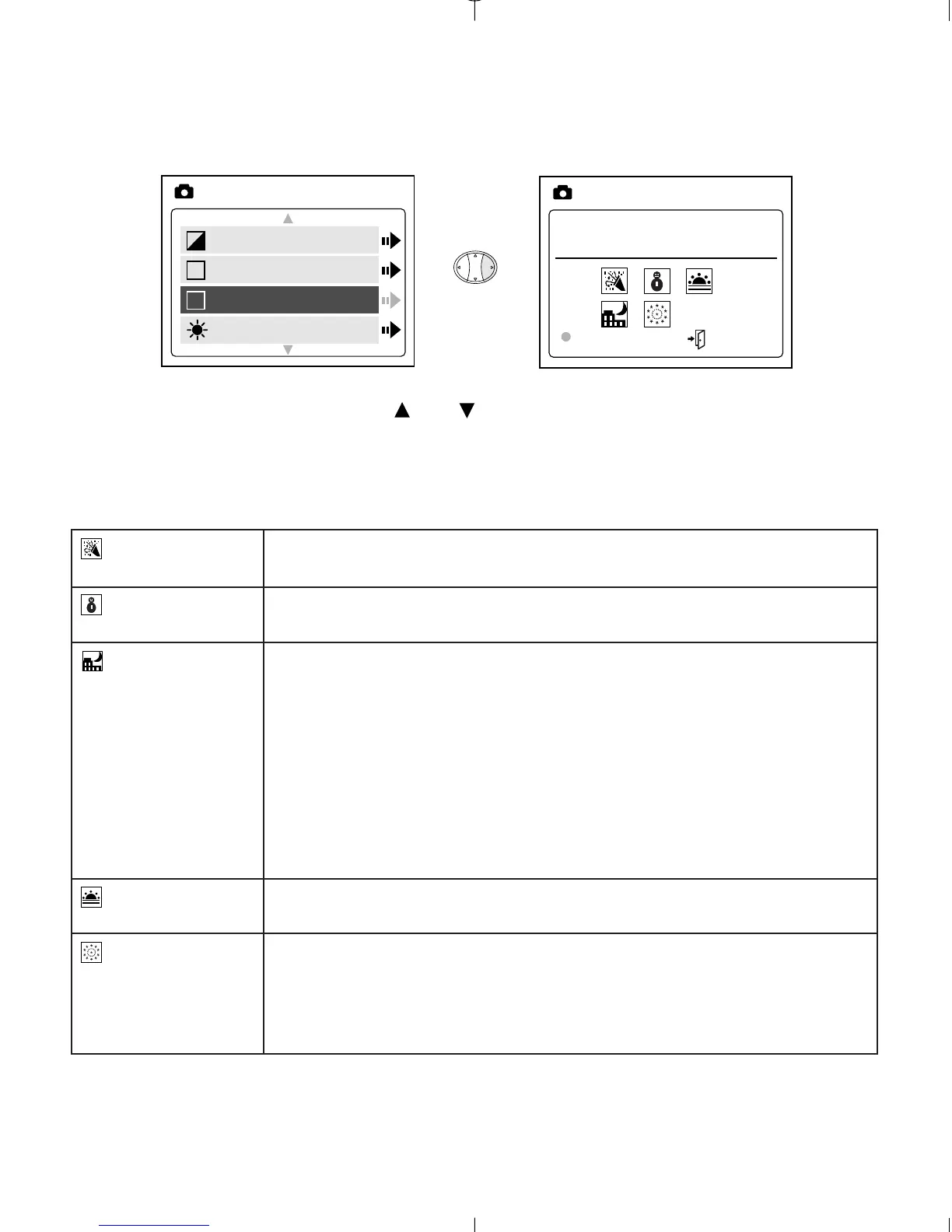
PRESET SCENE SELECTION
1. In the Scene menu, press or to choose between Party/Indoor,
Beach/Snow, Sunset, Night Landscape, Fireworks and Off.
2. Press OK to select the scene mode and press MENU to exit.
Party/Indoor
Beach/Snow
Night
Landscape
Sunset
Fireworks
Use this mode in to capture the details of candlelit scenes or
other indoor background light conditions.
Use this mode to capture the details in high glare scenes
such as snow or shining water.
A slow shutter speed is used to capture the lights in night
scenes.
Photography Tip: With the slow shutter speed there is a
possibility of subject blur due to camera movement.
To reduce blurring, you may do the following:
1. Set your camera to Night Landscape mode.
2. Place your camera on a tripod or sturdy surface area.
3. Set the camera to self-timer mode.
4. Press the shutter button.
This mode captures the deep hues and color variations in
sunsets and sunrises.
Use this mode to capture the burst of light from fireworks
with a slower shutter speed.
-Due to the slower shutter speed, place the
camera on a tripod for better picture quality.



 To Next Page