43
For Mac Users:
1. Set your camera to DSC Mode.
2. Connect your camera to the computer.
3. After a few moments, the external hard drive will appear on the
desktop.
4. Open the “untitled” removable drive that is on your desktop and open
DCIM to view your files.
5. Click on the file that you would like to view.
Unplugging the camera from the computer
For Windows ME/2000/XP:
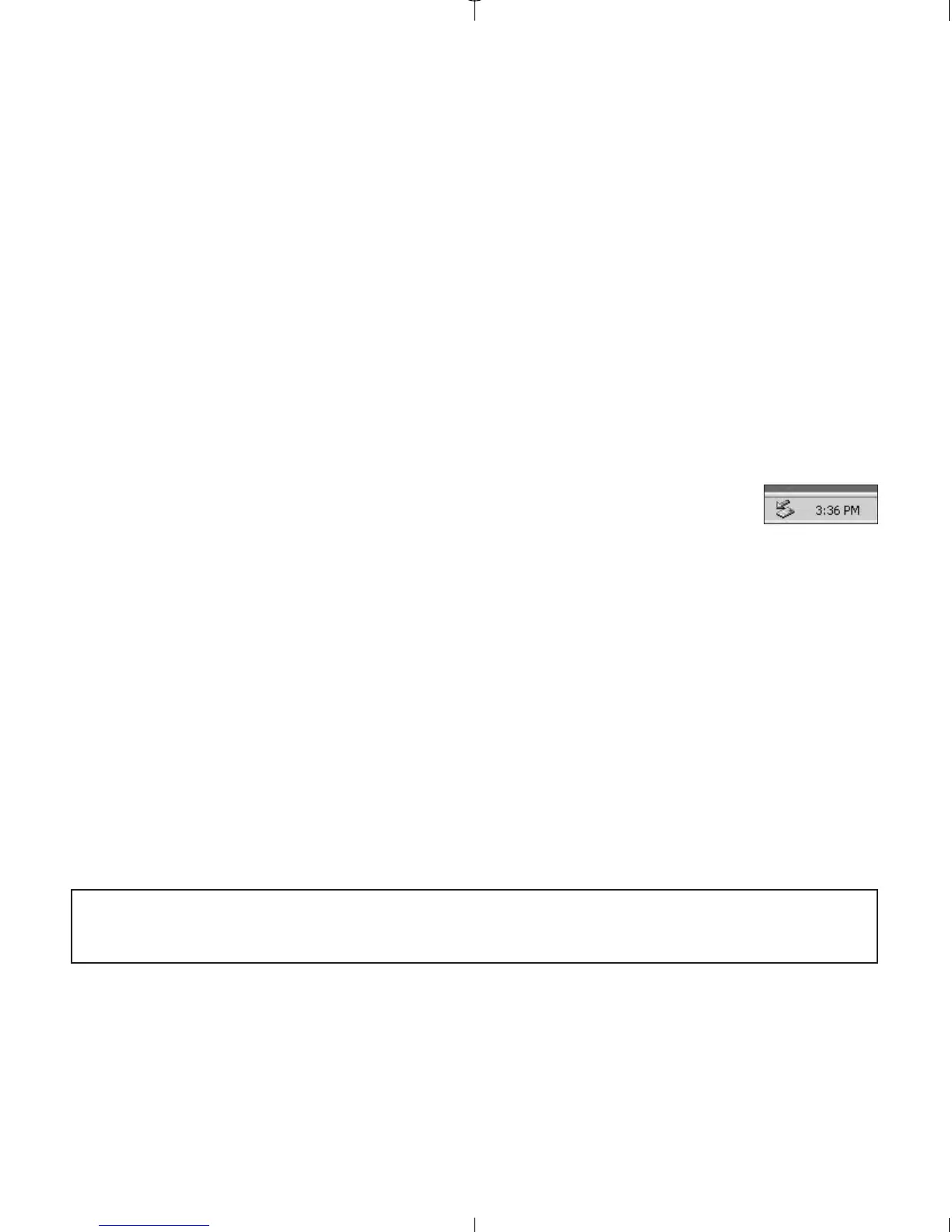
1. Click once on the "Unplug or Eject Hardware" icon on the
right hand side of your task bar. (fig.5.3)
2. If the camera is in PC Driver mode, select "Stop Concord
Eye-Q Duo 2000 USB Driver V 0.1."
OR
If the camera is in DSC Driver mode, select "Stop Concord Eye-Q Duo
2000 USB Mass Storage Device."
3. Click [OK] in the "Safe to Remove Hardware" prompt.
4. Unplug the USB from the camera. (fig.5.2)
For Mac:
1. Drag the “untitled” removable drive icon on the desktop to the Trash.
2. Unplug the USB cable from the camera.
Note for Mac users: For better performance, please use the USB port
located in the back of your computer.
fig.5.3



 To Next Page