17
Camera Memory
The Concord Eye-Q Duo 2000 can store files in one of two ways using
either the camera’s 7MB internal memory or the removable MMC/SD.
Memory cards are sold separately and can be purchased from major
electronic or computer retailers.
When the MMC/SD is inserted, the images and video clips stored in the
internal memory will be transferred automatically onto the memory card.
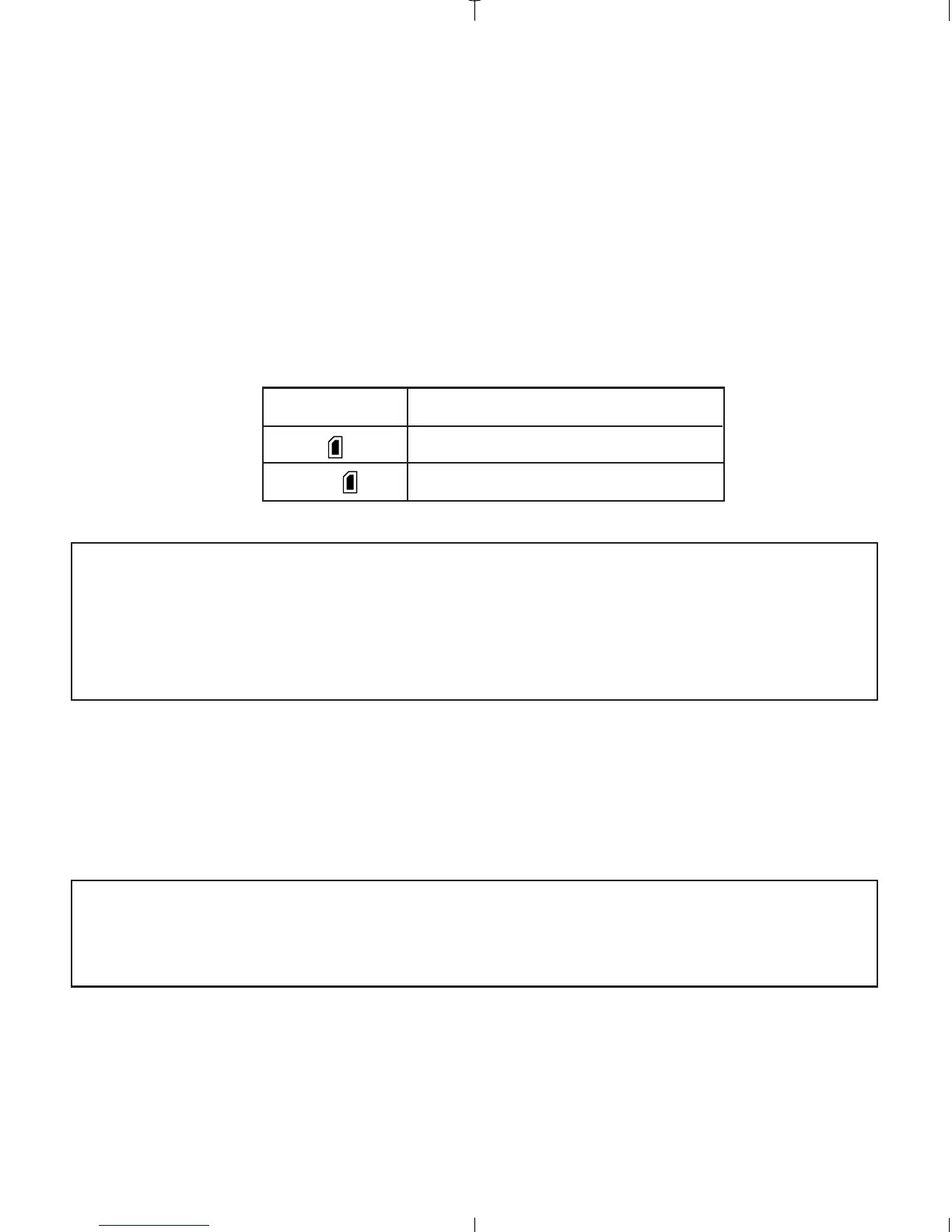
LCDDefault Memory
MMC/SD
No Internal Memory (7MB)
Note: If a MMC/SD with insufficient memory is inserted, there will only
be a partial transfer and the memory card will be filled. Please insert
a memory card with sufficient memory, or delete images. Please refer
to the Deleting Files section for instruction. (P. 35) The files that were
not transferred will remain in the internal memory.
When the camera’s internal memory or the MMC/SD is full, you will need
to delete images to continue to take pictures, or insert a new MMC/SD
memory card. Please refer to the Deleting Photos section for instructions.
Note: There may be available storage space by using a lower photo
quality setting. Refer to the QUALITY section to select a lower quality
setting on P. 23.



 To Next Page