18
Inserting the MMC/SD
Inserting the MMC/SD:
1. Locate the battery door on the bottom of the
camera.
2. Slide the button on the battery door towards the
center of the camera and lift the door.
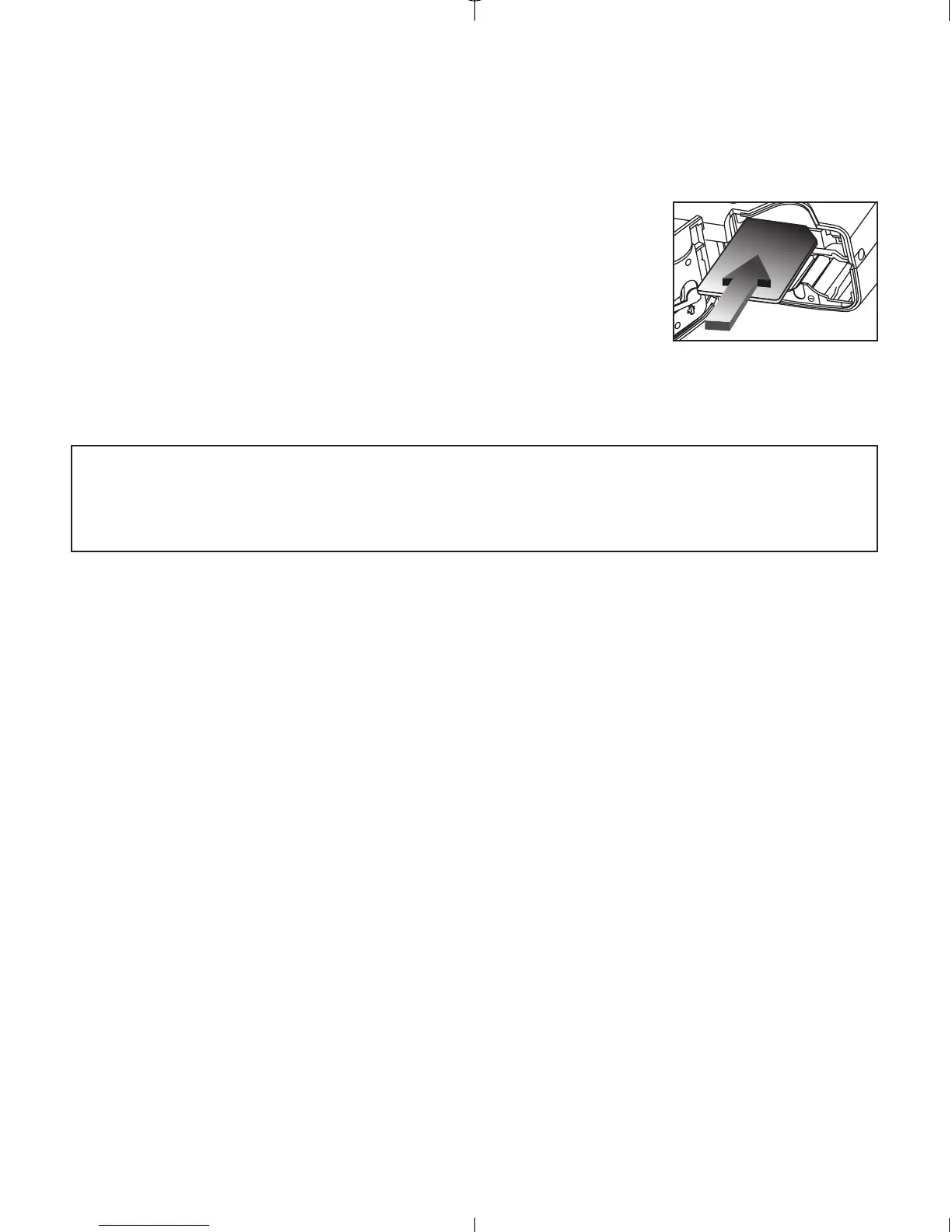
3. Insert the MMC/SD as indicated by the arrow.
(fig.1.6)
4. Close the battery door.
Note: If the internal memory or the MMC/SD is corrupted, the LCD will
read ERROR! The memory needs to be formatted. Please format all
files to continue. (P. 32)
fig.1.6



 To Next Page