EasyManua.ls Logo

CONCORD Duo 2000 - Size

CONCORD Duo 2000
231 pages
Print Icon
To Next Page IconTo Next Page
To Previous Page IconTo Previous Page
Loading...
22
SIZE
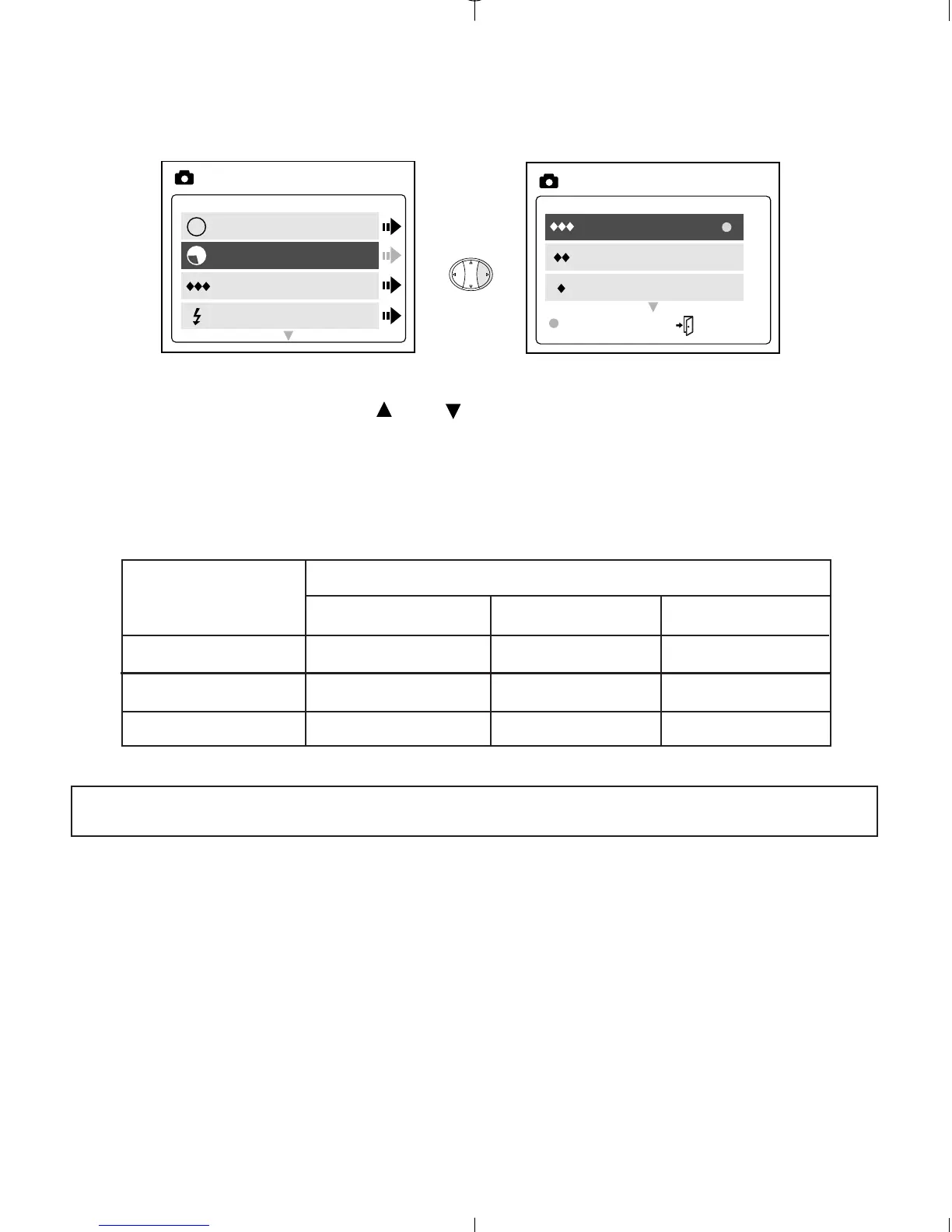
1. In the SIZE menu, press or to toggle between 1600 x 1200, 1280
x 960 and 640 x 480 pixels.
2. Press OK to select the size and press MENU to return to picture taking
mode.
Images taken with 7MB (approx.)
1600 x 1200 1280 x 960 640 x 480
Fine 8 14 28
Normal 15 33 66
Economy 27 56 114
Note: The selected option will be marked by (
).
Mode
Size
Quality
Flash
MAIN MENU
A
A
A
M
1600 x 1200
1280 x 960
640 x 480
OK MENU
IMAGE SIZE
Image Quality
Duo 2000-E (511441-01) 18/10/02 6:48 pm Page 22

Table of Contents

Related product manuals