34
3. REVIEW MODE
In review mode, you can review your captured images and video clips through
the LCD.
Using REVIEW mode:
1. Slide the Mode Switch towards .
2. Press or to scroll through each file.
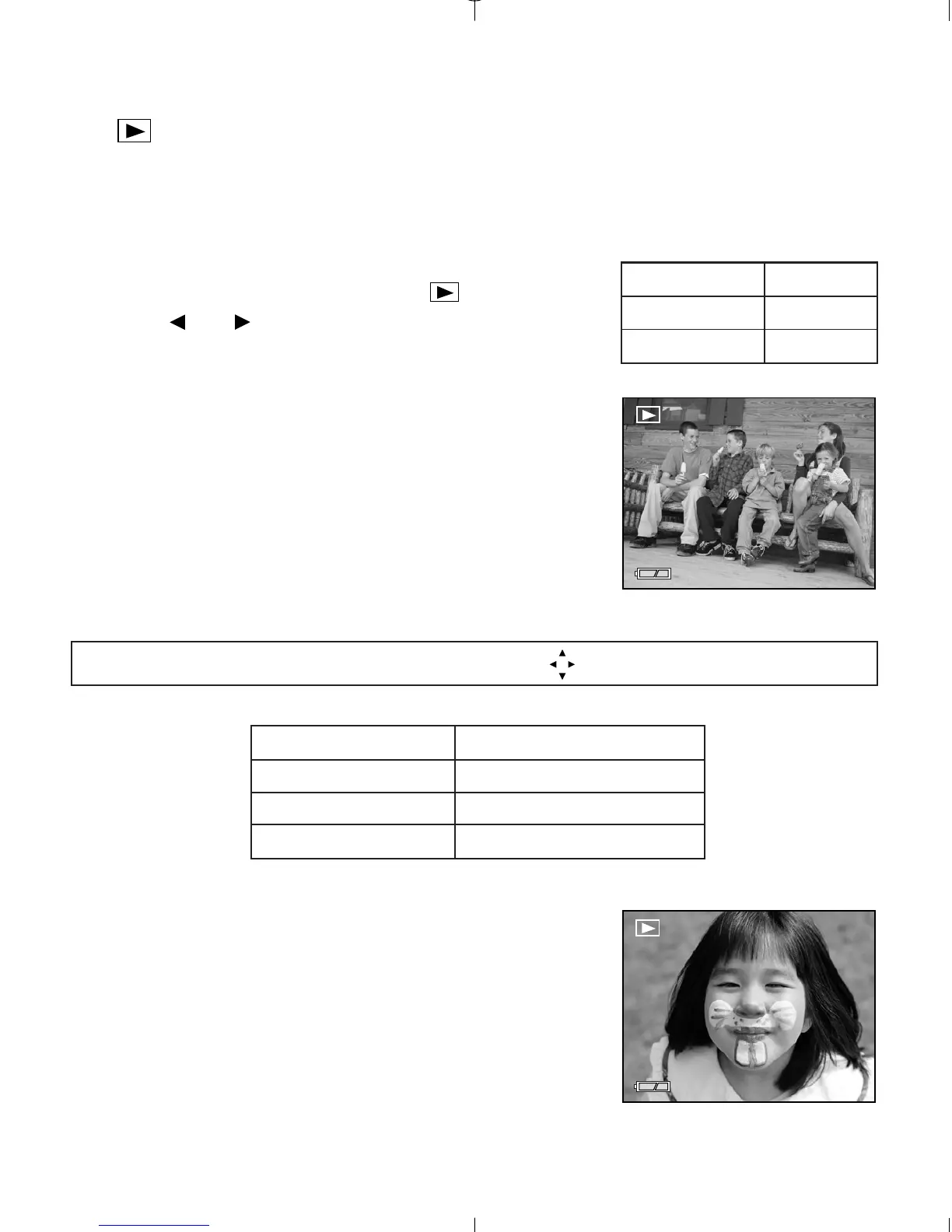
Enlargement (JPG)
When viewing images, you may use enlargement to
zoom into the stored image.
To use Enlargement:
1. While viewing a JPG file, press OK to view the
file in 2x Enlargement Mode.
2. Press OK to enter 4x Enlargement mode.
3. Press OK to return to normal viewing mode.
Note: In 2x and 4x enlargement mode, press to navigate in the image.
Size Max. Enlargement
1600 x 1200 4x
1280 x 960 4x
640 x 480 No Enlargement
Viewing Video Clips (AVI)
To view video clips:
1. Press OK to play the video clip.



 To Next Page