EasyManua.ls Logo

CONCORD Duo 2000 - Thumbnail

CONCORD Duo 2000
231 pages
Print Icon
To Next Page IconTo Next Page
To Previous Page IconTo Previous Page
Loading...
37
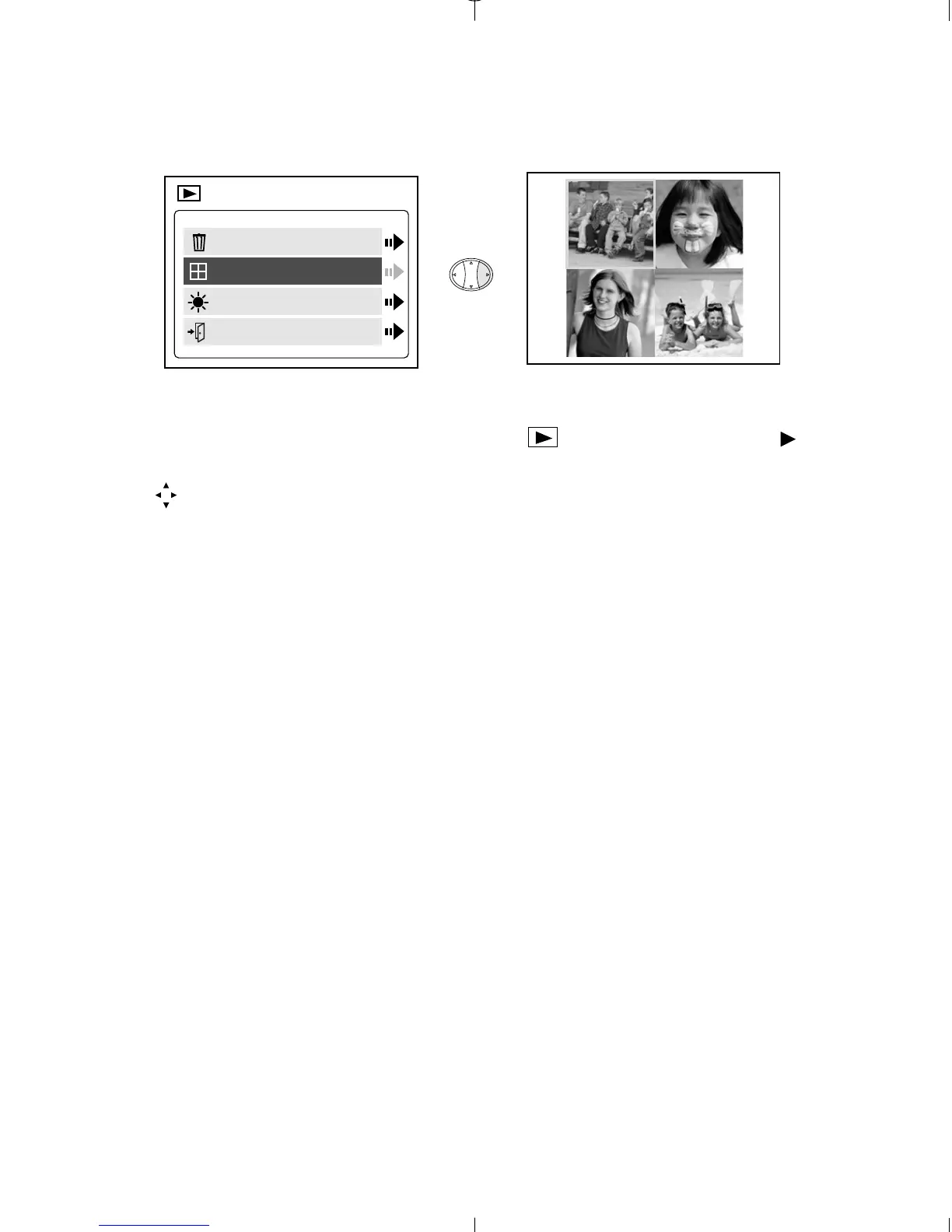
THUMBNAIL
To view files in Thumbnail mode:
1. When Thumbnail is highlighted in the Main Menu, press to
enter the Thumbnail mode.
2. Use to navigate between all of the stored files.
3. Press OK to view the selected file.
BRIGHTNESS
Please refer to the Brightness section on P. 28.

Delete
Thumbnail
Brightness
Exit
MAIN MENU
A
A
A
A
A
A
Duo 2000-E (511441-01) 18/10/02 6:49 pm Page 37

Table of Contents

Related product manuals