36
DELETE
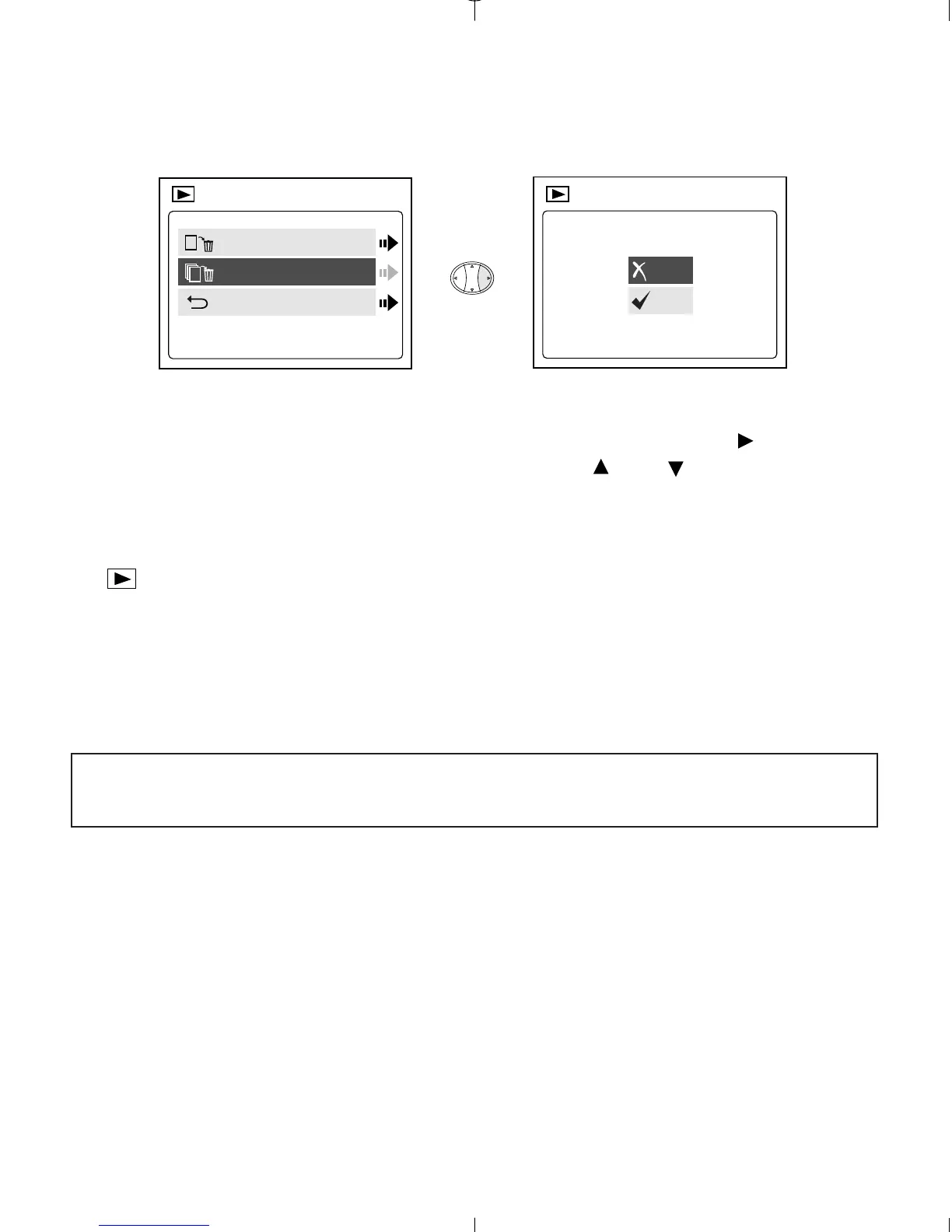
To delete ALL files from the internal memory:
1. When Delete All is highlighted in the DELETE menu, press .
2. The next screen will read "All Files?" Press or to highlight No
or Yes. Press OK to select.
3. If Yes is selected, ALL FILES will be deleted.
4. If No is selected, no change will be made, and you will return to the
Main Menu.
To Delete Files from the MMC/SD:
1. Insert the MMC/SD into the camera.
2. Follow the steps above.
Note: Once images have been deleted, you will not be able to recover
them.



 To Next Page