30
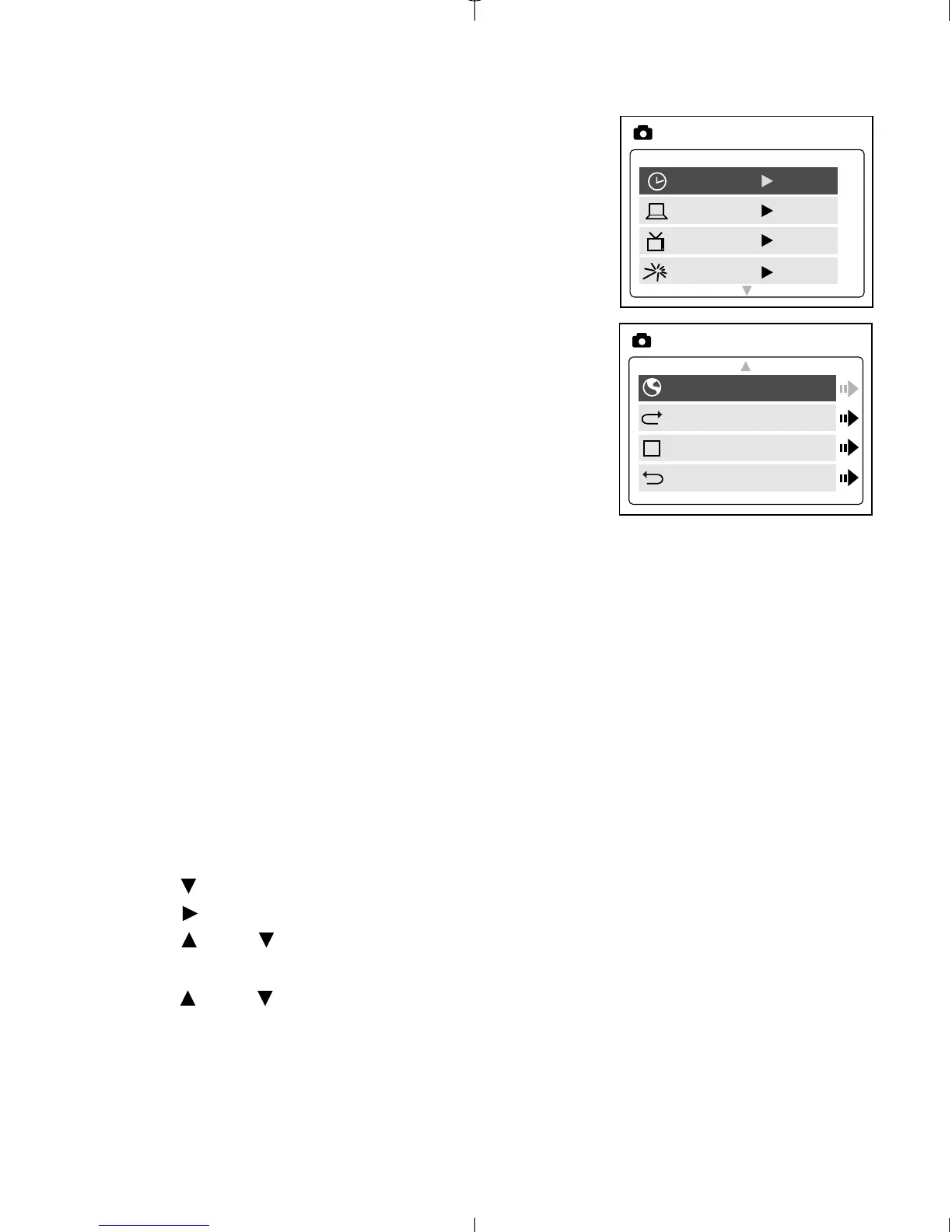
TIME-OUT
To extend battery life, the camera will
automatically power off after 60 seconds of
inactivity. Use this option to change the
default setting.
DRIVER
Please refer to the Transferring Files to the
Computer section on P. 38 for further
information.
TV
Please refer to the TV Mode section on P. 46
for further information.
PLAY LOGO
Use this option to activate or deactivate the animation that appears on
the LCD when the camera is powered on.
LANGUAGE
Use this option to change the language setting in your camera. All menus
and messages will be displayed in the selected language.
1. Press to highlight Language.
2. Press to enter its submenu.
3. Press or to highlight the language of your choice.
4. Press OK to select.
5. Press or to highlight No or Yes.
6. Press OK to select and to return to the Main Menu.



 To Next Page