EasyManua.ls Logo

CONCORD Duo 2000 - Page 27

CONCORD Duo 2000
231 pages
Print Icon
To Next Page IconTo Next Page
To Previous Page IconTo Previous Page
Loading...
25
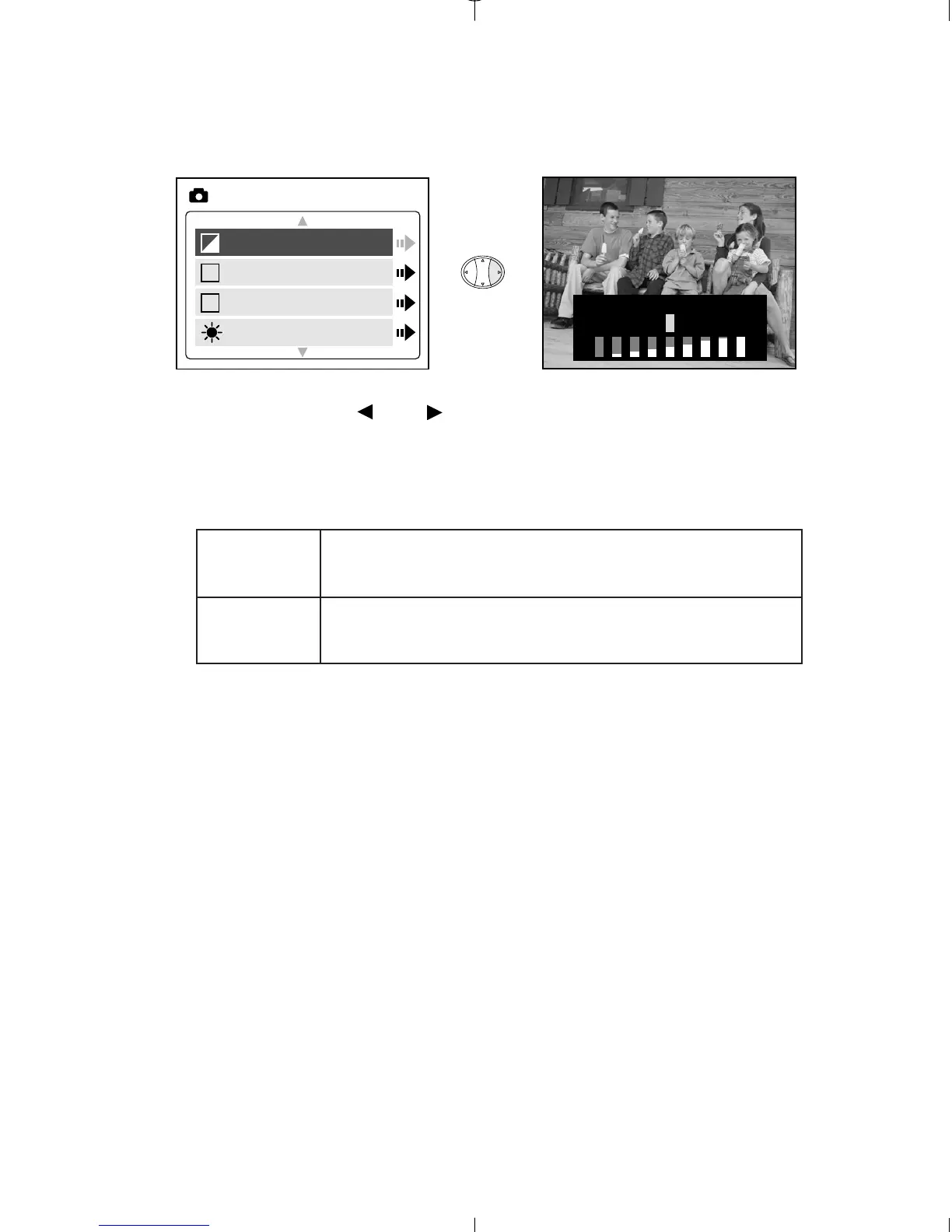
EV - EXPOSURE VALUE
1. In the EV menu, press or to toggle between –2.0, -1.5, -1.0, -0.5,
0, +0.5, +1.0, +1.5 and +2.0.
2. Press MENU to exit.
Use this setting for scenes with low
light conditions.
Use this setting for scenes with bright
light conditions.
( + )
( – )

EV
WB
Scene
Brightness
MAIN MENU
+
WB
S
EXPOSURE VALUE +
Duo 2000-E (511441-01) 18/10/02 6:48 pm Page 25

Table of Contents

Related product manuals