Hadron/ Hadron DM Carrier
Users Guide
www.connecttech.com
Document: CTIM-00088
Revision: 0.08
Reset & Recovery Jumper
Description
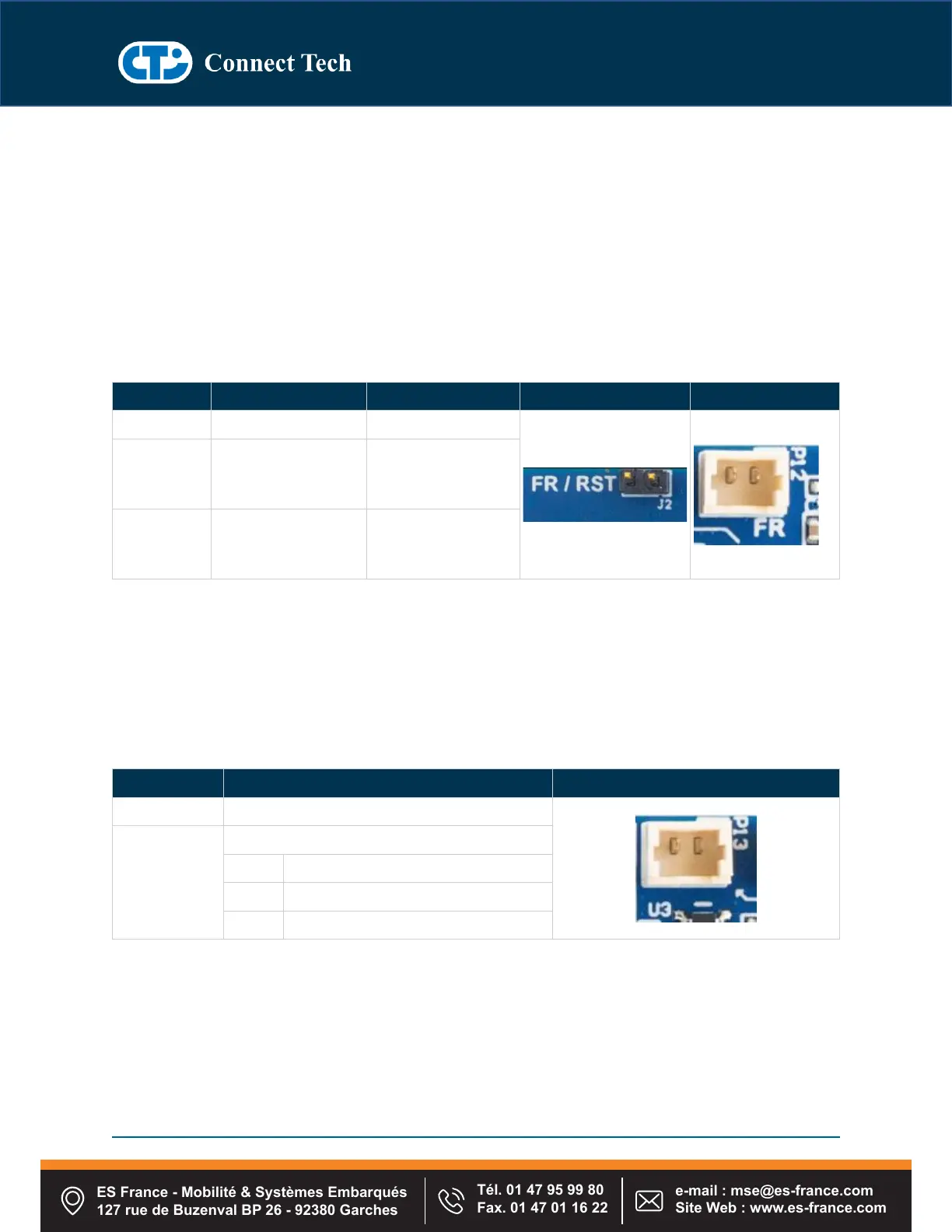
The Hadron/ Hadron DM Carrier implements a dual functionality jumper block/ connector for both Reset
and Recovery of the platform. To Reset the module, simply connect the two pins on the jumper/
connector momentarily. To put the Jetson module into Force Recovery mode, install a jumper and then
power on the platform. After 10 seconds remove the jumper shunt and the device will now be in Force
Recovery mode.
Once the device is in Force Recovery Mode, it can be detected using lsusb (or equivalent) command on
the host computer.
Molex 2 Position
1.25mm PicoBlade
Connector
HTSW-102-08-G-S
Manufacturer:
Samtec
53047-0210
Manufacturer:
Molex
Note: A full power cycle of the system must be performed after module flashing.
USB Host / Device Mode and Power Switch
Description
The Hadron DM Carrier implements a functionality connector for to wake the carrier from shutdown
mode. To wake the module, simply connect the two pins on the connector momentarily.
1x2 TH 1.25mm (Molex –PicoBlade) connector
ES France - Mobilité & Systèmes Embarqués
127 rue de Buzenval BP 26 - 92380 Garches
Tél. 01 47 95 99 80
Fax. 01 47 01 16 22
e-mail : mse@es-france.com
Site Web : www.es-france.com


 To Next Page