Orbitty Carrier for NVIDIA® Jetson™ TX2/TX2i
Users Guide
Document: CTIM-00471
Revision: 0.14
Page 15 of 31 Date: 2021-10-05
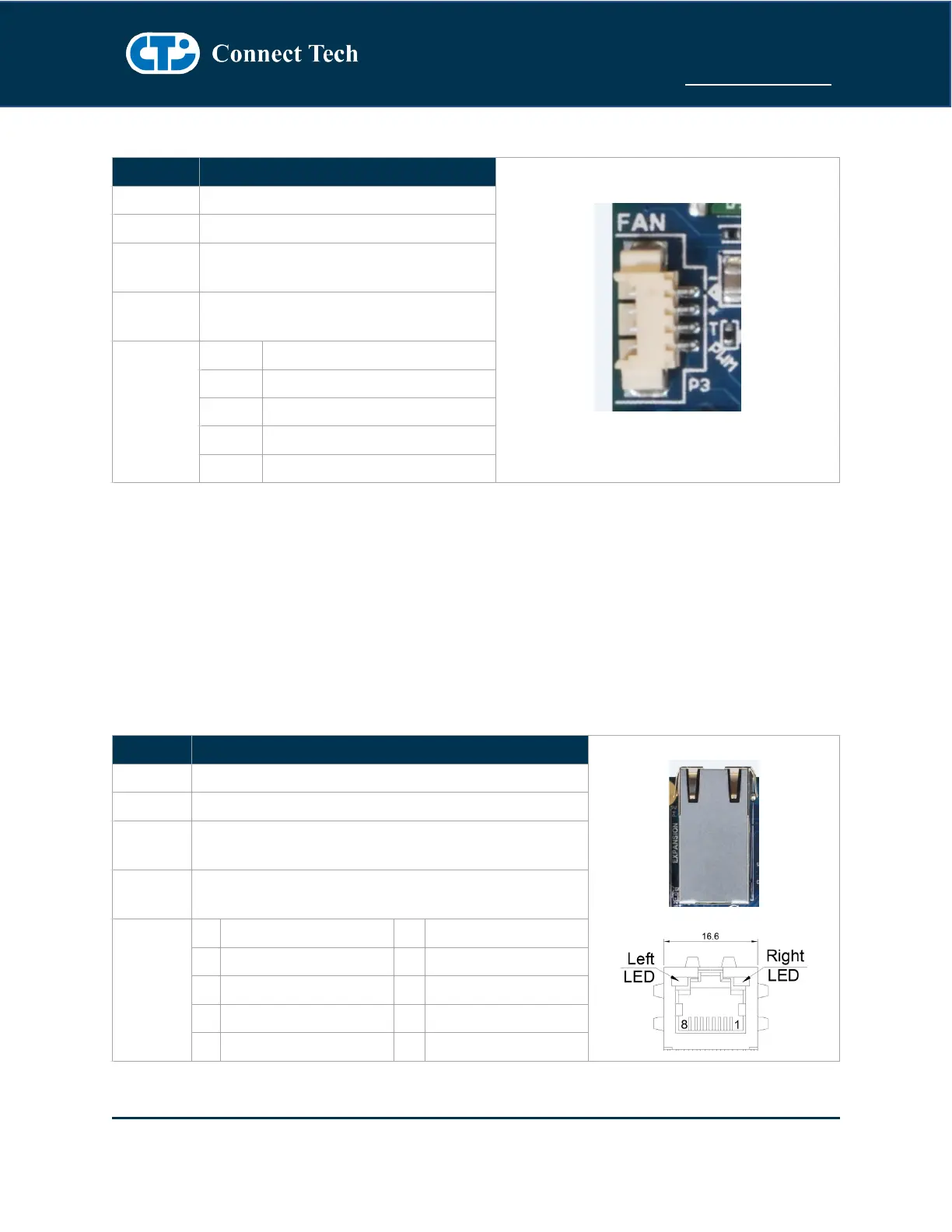
NVIDIA Jetson TX2/TX2i Fan
NVIDIA Jetson TX2/TX2i Fan Control
Part Number: 53261-0471
Manufacturer: Molex
Part Number: 51021-0400
Manufacturer: Molex
NOTE: Please note that Fan PWM (speed control) is NOT natively supported by the stock L4T builds.
If users wish to use the native builds you must enable the S1 DIP Switch to put the Fan into the Always
ON mode.
To enable PWM functionality (speed control) users must deploy CTI-L4T BSP and enable the S1 DIP
Switch to put the Fan into the PWM Enabled mode.
10/100/1000 Ethernet (GBE)
Gigabit Ethernet Connector
Part Number: 1RJMG14-220LNL
Manufacturer: Unicom
Any RJ-45 Plug with Cat5, Cat5e, Cat6 Type Cabling



 To Next Page