Orbitty Carrier for NVIDIA® Jetson™ TX2/TX2i
Users Guide
Document: CTIM-00471
Revision: 0.14
Page 17 of 31 Date: 2021-10-05
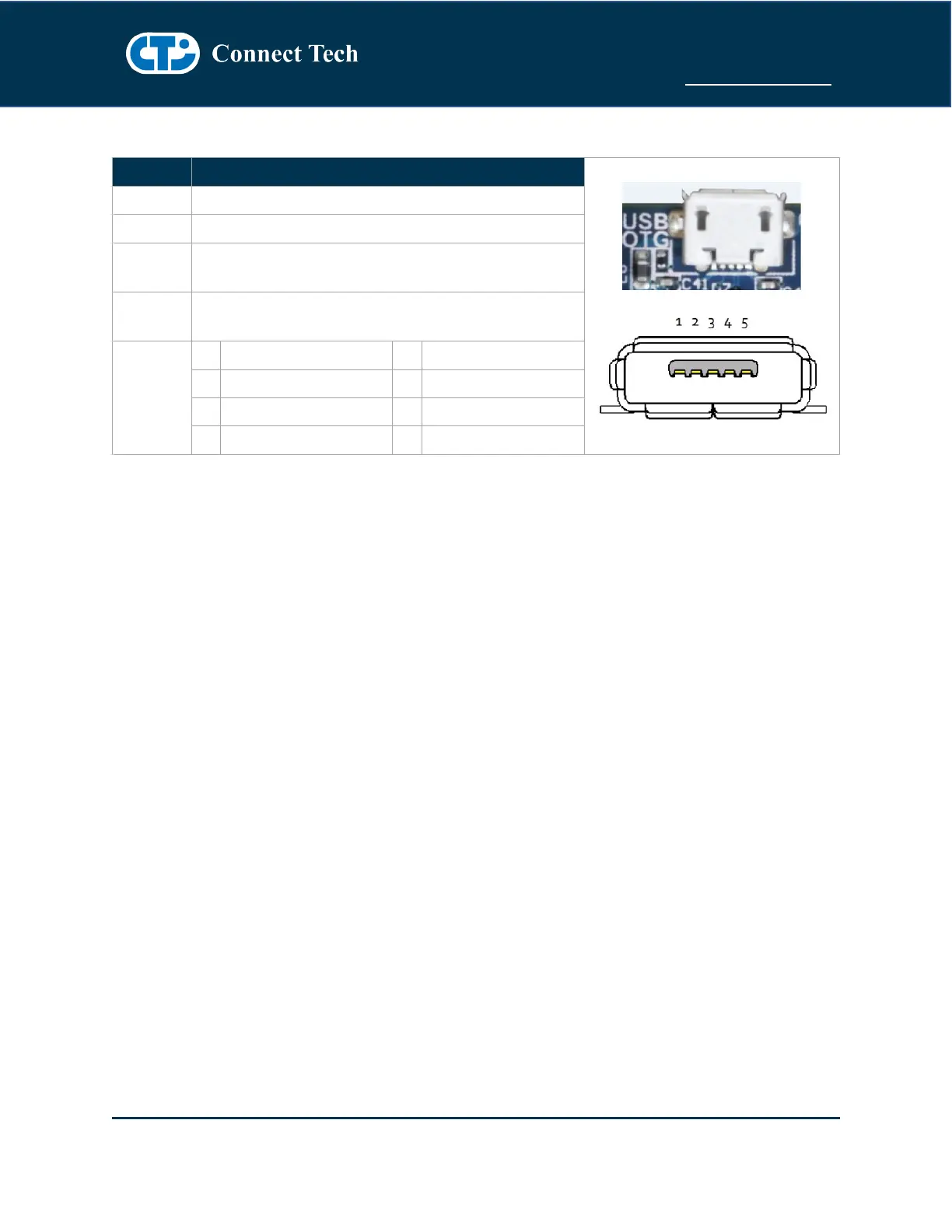
USB OTG
Part Number: 47589-0001
Manufacturer: Molex
Any USB 2.0 Micro A or Micro B or Cable
USB OTG – Host Mode
To put the USB OTG port into HOST mode, the USB ID pin needs to be left floating. Most USB Micro-A to
Type-A (Female) cables will do this internally.
USB OTG – Client Mode (Used for Image Flashing)
To put the USB OTG port into CLIENT mode, the USB ID pin needs to be tied to GND. Most USB Micro-B
cables will do this internally. Once in Client mode this port can then be connected to a Host PC. This is
required for software image flashing. Please see the Software Section of this manual for more details.



 To Next Page