Scanner installation
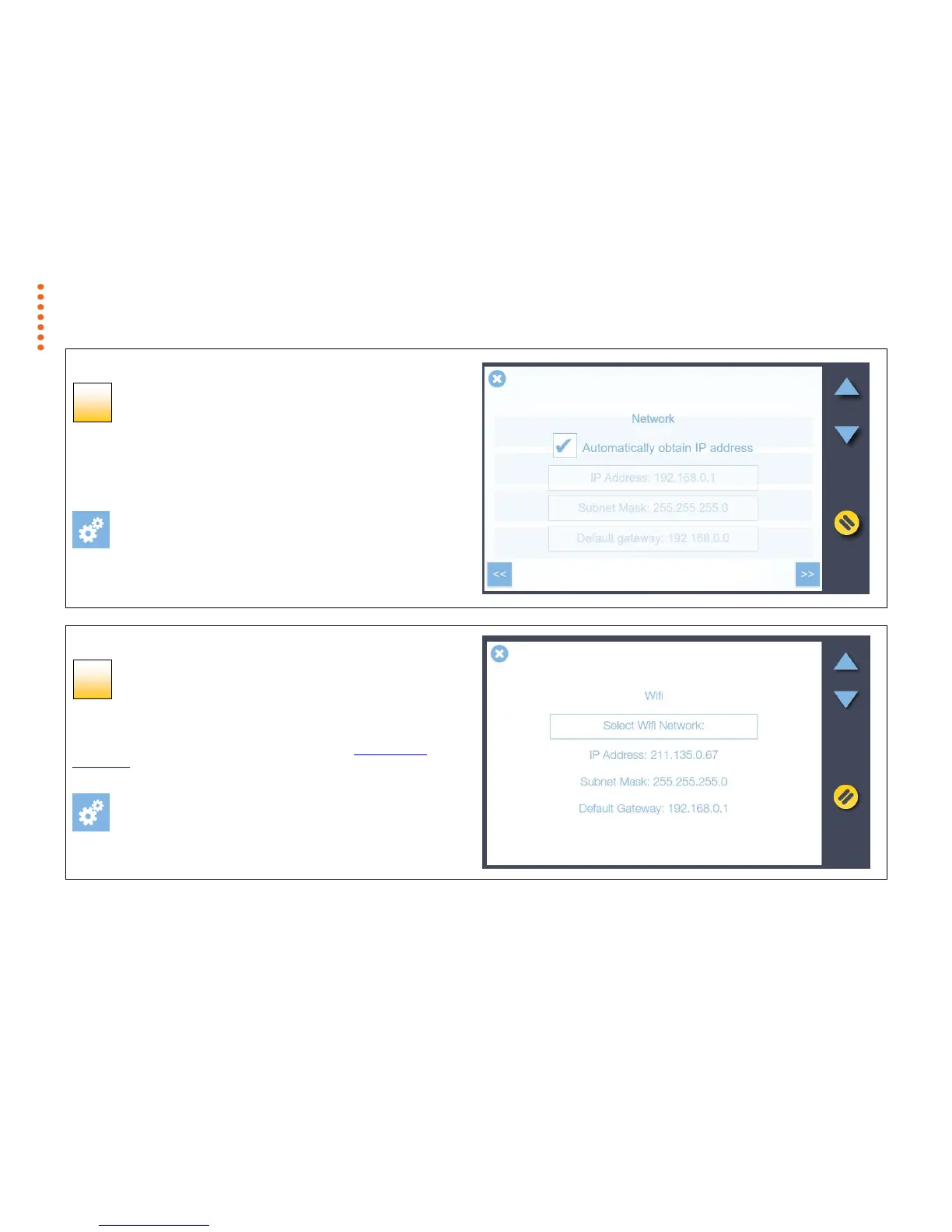
Using WiFi
If a wifi network is in range and the physical LAN is disconnected, the
scanner will automatically display a highlighted ‘Select WiFi Network’ button.
Touch the highlighted button to connect using wifi. See Using the WiFi
Connection later in this manual for more information.
[settings > system > network]
Scanner installation
LAN network settings (static)
To manually set a static network IP address follow the screens shown in
[path] below to uncheck ‘Automatically obtain IP address’. A static address
and subnet mask can now be set. Consult your IT person if necessary.
[settings > system > network]
Press the Next button >>



 To Next Page