Replacing the glass plate
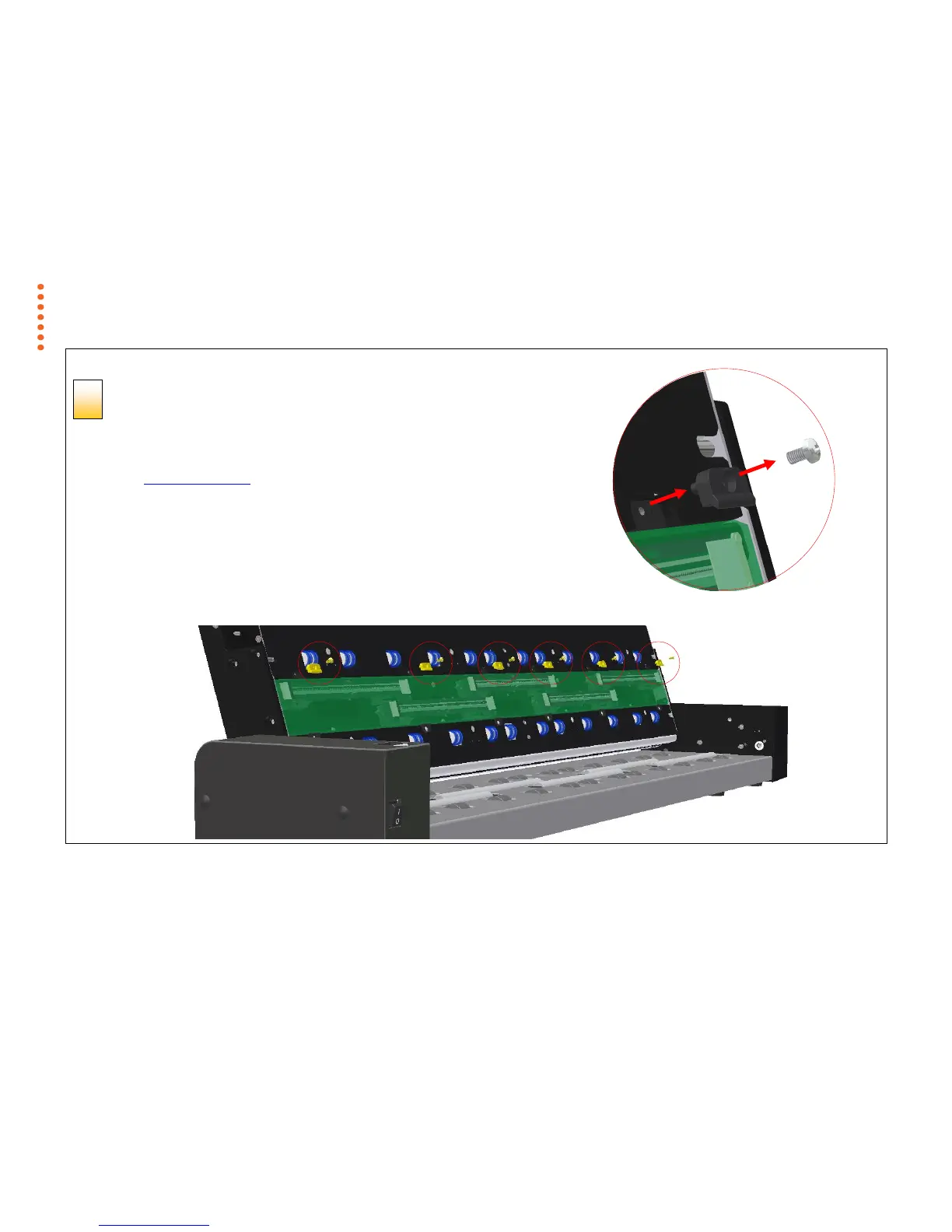
Remove the 6 Torx 10 screws and the 6 latches
(4 on the SD One 24)
You will need to locate and recognize the key parts that you will access for replacing the glass
plate, see the overview of key parts for glass replacement above.
1. Stand at the rear of the scanner. Start at the scanner’s right side.
2. Remove all the screws and latches in the top row only.



 To Next Page