24 - START-UP
COROB™ D600 - D700 - D800 EXTRA
5.4 Machine conditions
The status of the ON lamp highlights the condition in which the machine is:
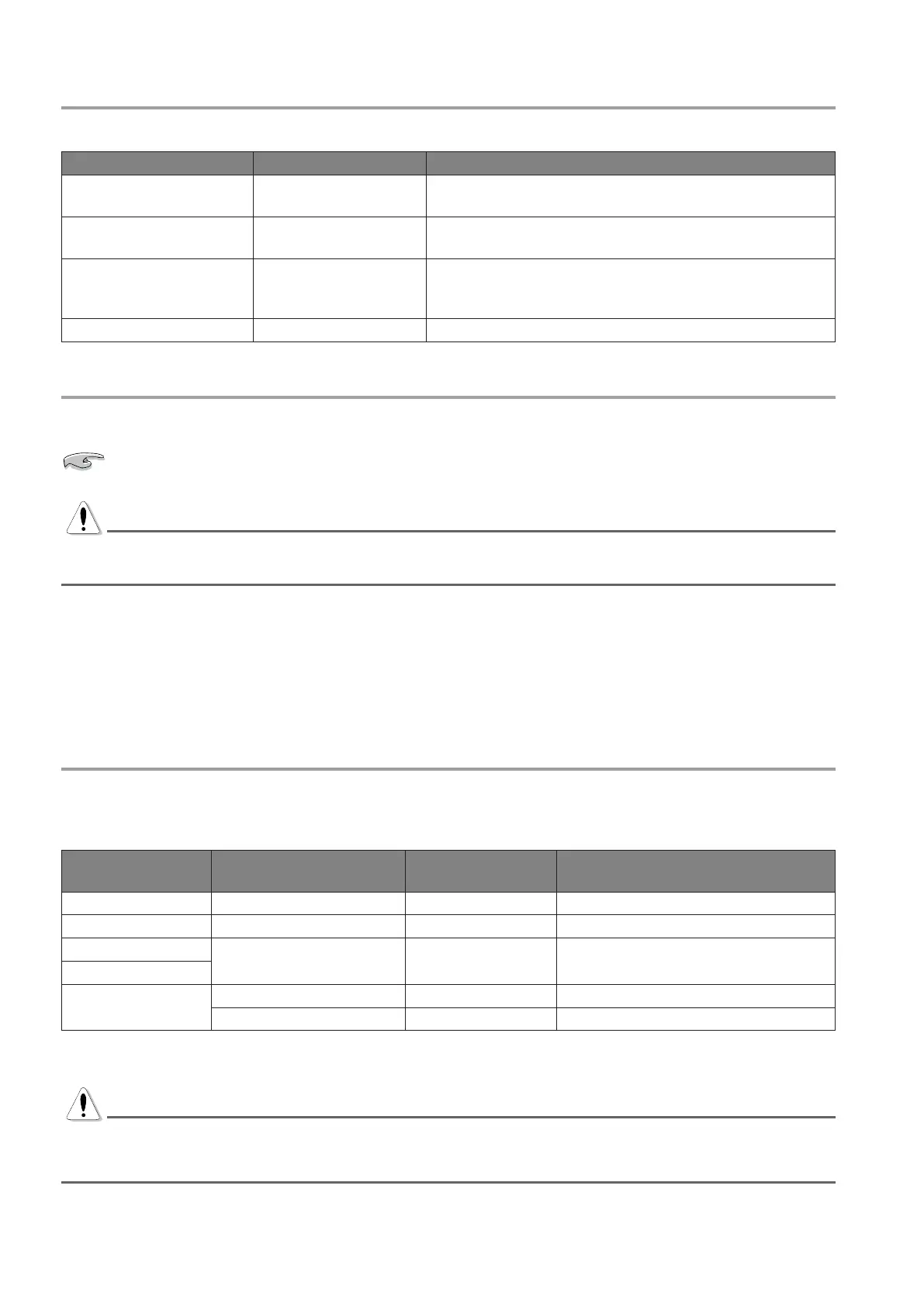
Status of the ON lamp Machine condition Meaning
ON On-line
The machine is ON and ready to receive commands
coming from the computer.
Blinking slowly Off-line 1
Machine functions are interrupted and the commands
coming from the computer are refused.
Blinking fast Off-line 2
The Autocap is open, machine functions are interrupted
and the commands coming from the computer are
refused.
OFF Off The machine is OFF.
5.5 Initialization
INITIALIZATION is a preparatory phase that must be carried out when the machine is turned on.
If the computer is turned off and back on again, initialization is not strictly necessary, even if required
by the software; it is solely at the discretion of the operator.
DANGER
If the Autocap is open, initialization automatically closes it.
If the automatic shelf is at a certain height it will lower completely.
Moreover, initialization must be carried out in the following cases:
• At the beginning of each work shift, even if only the computer had been shut down.
• To send new operating parameters set via the management software.
• After an emergency stop (chapter 5.7).
For more information about the Initialization function, refer to the software user’s manual.
5.6 Use of the off-line button
When the off-line button is pressed, all functions of the machine are interrupted; the ON lamp blinks to indicate
that the machine is switched on but with the functions blocked (off-line 1 or off-line 2 condition). In these
conditions, any commands coming from the computer are refused.
Initial machine
condition
Push the off-line
button...
Final machine
condition
ON lamp
On-line ...for an instant Off-line 1 Blinking slowly
Off-line 1 ...for an instant On-line ON
Off-line 1
...for a few seconds Off-line 2 Blinking fast
On-line
Off-line 2
...for a few seconds On-line ON
...for an instant Off-line 2 Blinking fast
The machine on-line condition can also be restored by sending a Reset command via software, from off-line 1
or off-line 2 machine status.
WARNING
Pressing the off-line button while a formula is being dispensed will cause dispensing to be interrupted. Once
the machine has been restored to normal operation, IT WILL NOT BE POSSIBLE to continue dispensing the
formula previously interrupted.



 To Next Page