START-UP - 19
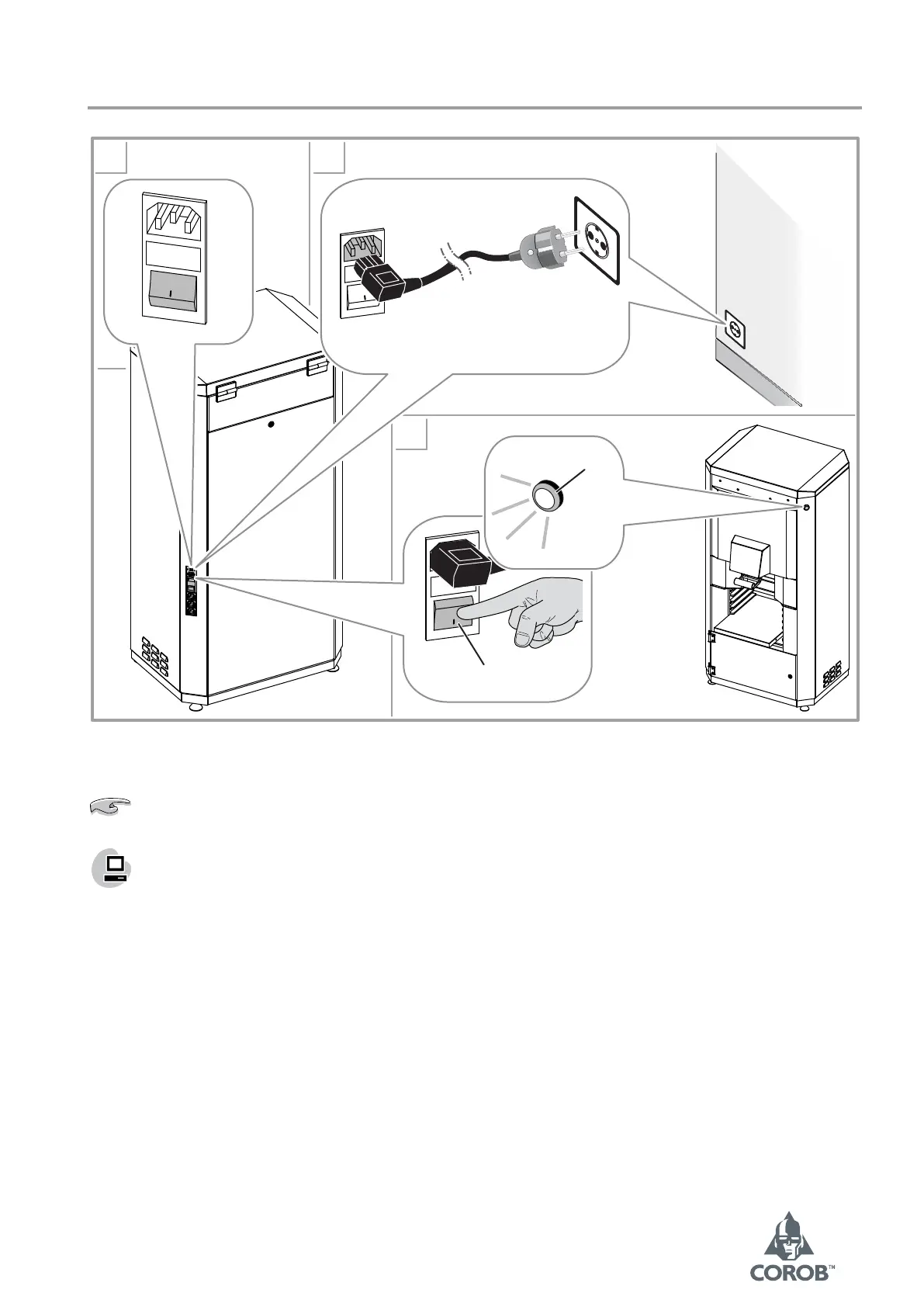
5.3 Electrical connection and start-up
1
2
3
0
a
b
0
0
Figure 7
If the ON lamp is blinking, make sure that the off-line button is released.
If the computer and monitor do not come on, make sure the power cables have been properly connected,
and that the corresponding switches have been turned on.
When the software is launched it offers the operator a series of procedure requests, including
initialization (chapter 5.4).



 To Next Page