41
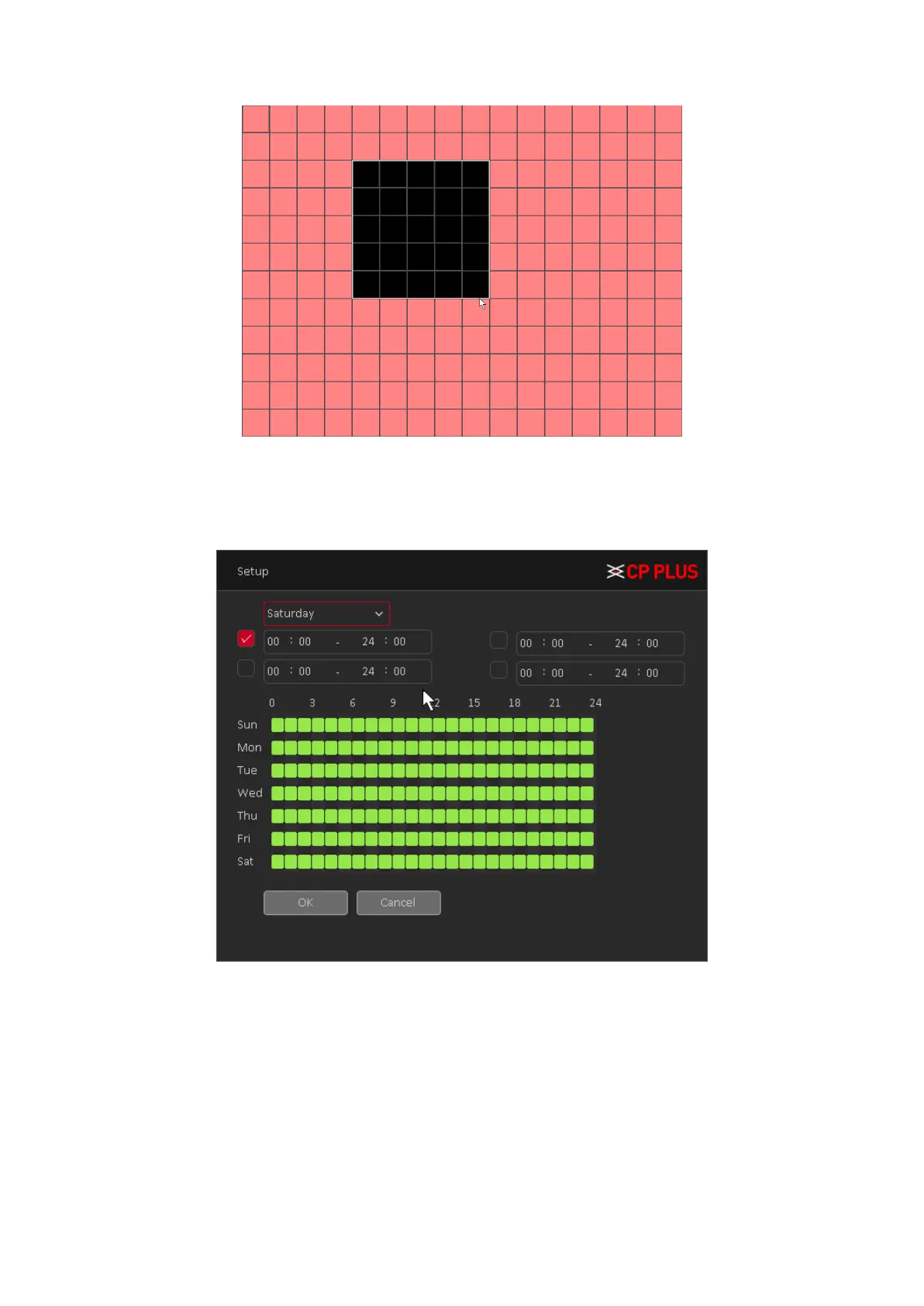
Figure 4.14
• [Period] You can also set the alarm time from Monday to Sunday every day 4 time periods,
other time will not trigger motion detection alarm information. See Figure 4.15
Figure 4.15
• [Interval] between two alarms generate alarm information shortest time interval can be set
between 0 and 600Sec.
• [Record channel] When an alarm is triggered, the camera starts recording, you need to
open detection recording.
• [Tour] Here you can enable tour function when alarm occurs. System one-window tour.
• [PTZ Activation] Here you can set PTZ movement when an alarm occurs. Such as go to
preset, tour &pattern when there is an alarm. Click “Setup” button, you can see an
interface is shown as in Figure 4.16.



 To Next Page