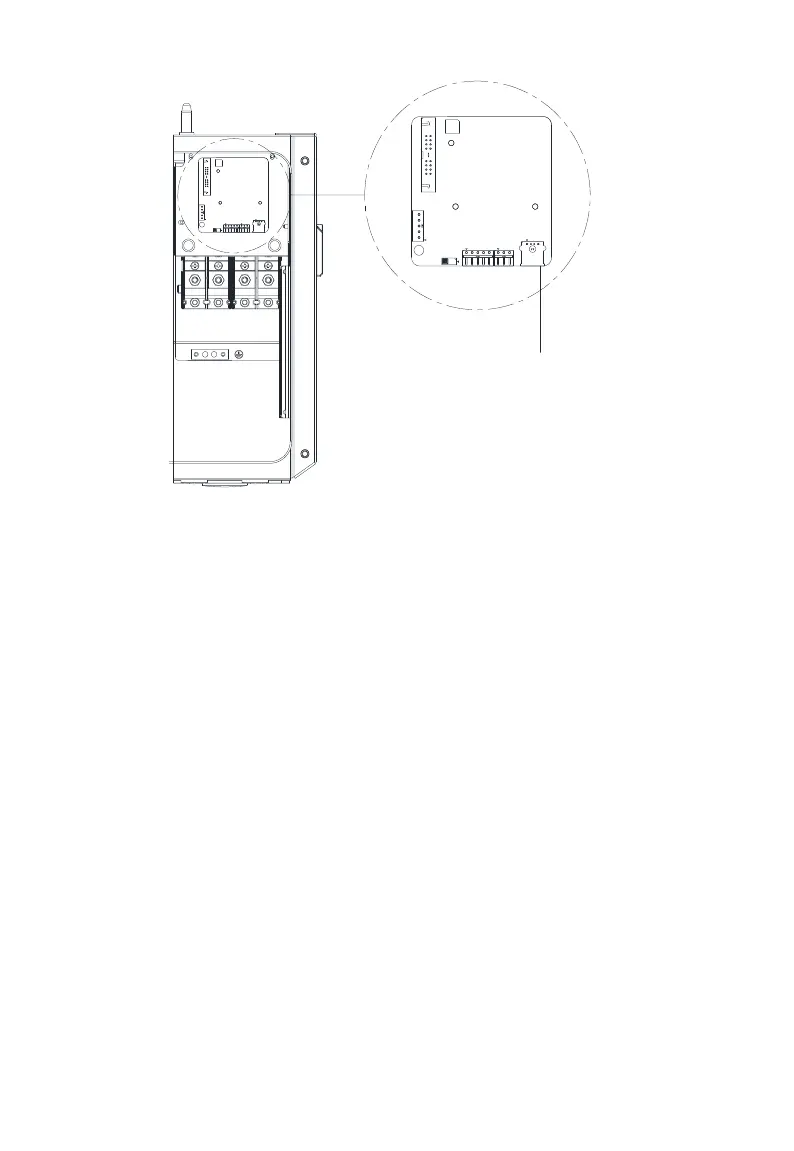
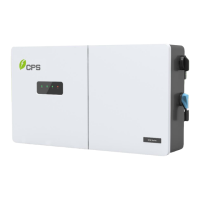
Figure 6-19 USB Port for Firmware Upgrades
4. Using the password to enter the Setting menu and select Firmware
Update. Choose the firmware to be updated (LCD or DSP) and follow the
prompts on the screen. See Figure 6-4.
5. When the update is successful repeat the process, if necessary, to update
the next firmware (DSP or LCD). Should the update fail, return to step 4
when prompted and repeat the process.


 To Next Page