110
6.4 History Record
Move the cursor to History Record in the main menu interface. Press ENT to
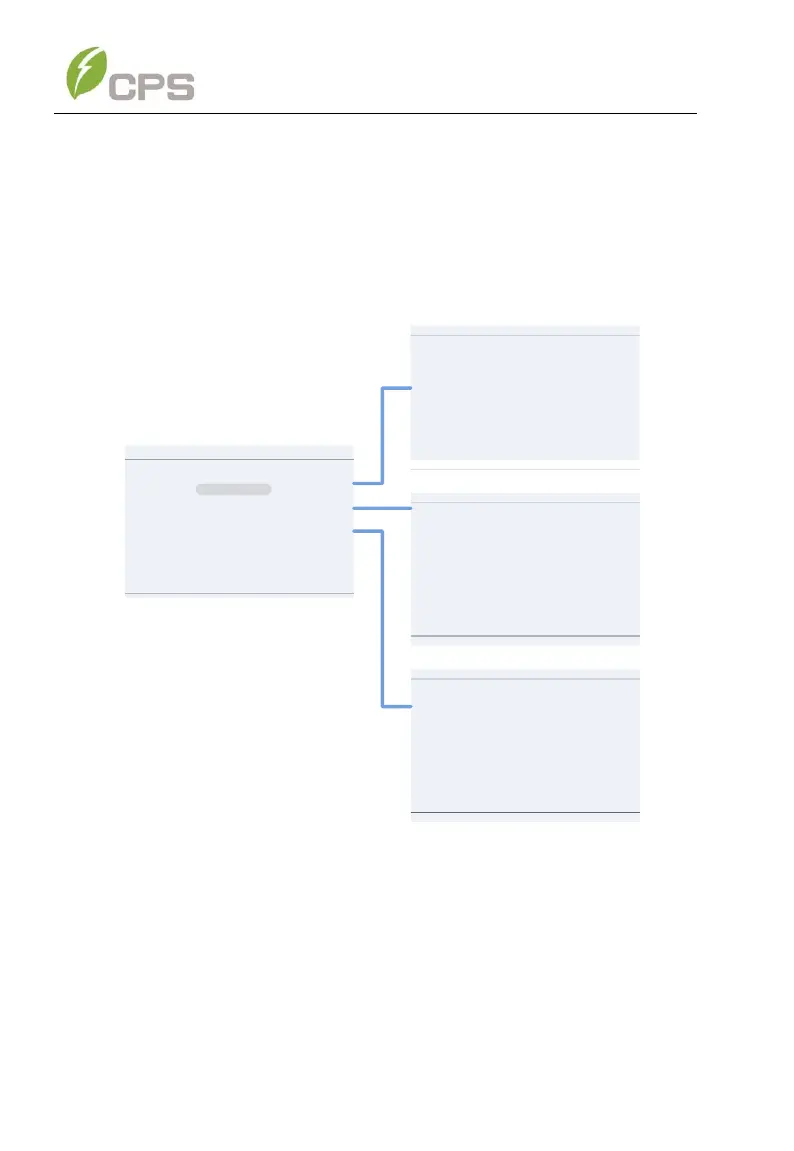
check the history information. There are 3 submenus in the History Record
menu: Current Error, Running Record and Fault Record. See Figure 6-21.
Figure 6-21 History Menu and Submenu
3. Current Error: This log will display any faults that are currently
affecting the operation of the inverter.
4. Running Record: This log can store up to 128 running history
messages. This includes normal operating events such as the inverter
turning on, going into standby and turning off.



 To Next Page