111
5. Fault Record: This log can store up to 128 fault codes.
6.5 Device Information
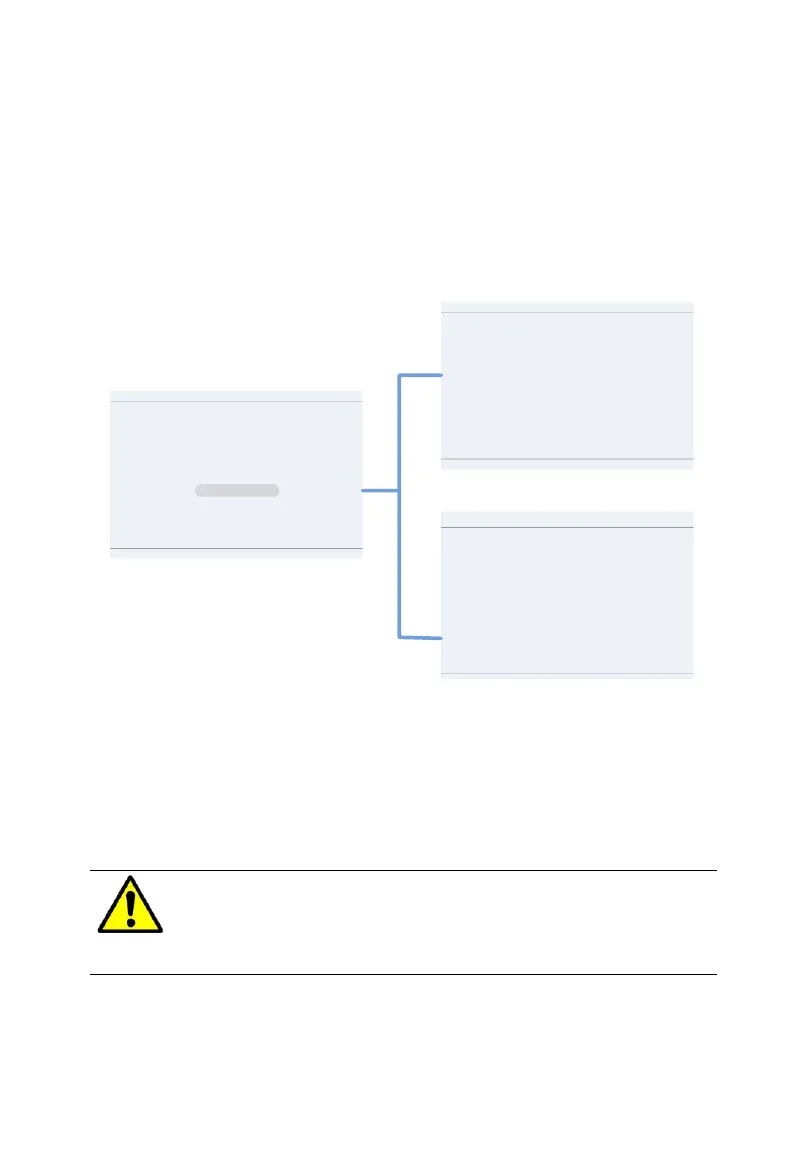
Press the ESC key to leave the main “operation interface” and press ENT to
access the “Main Menu.” Using the arrow keys, scroll down to the submenu
Device Information and press ENT to check the device information, as shown
in Figure 6-2.
Inverter information
P1/2
Inverter Model:
Inverter SN: 0 0100 0000 0002
DSP Ver: 01.01.020×70DF DSP Boot:02.00
Data Logger Information
P2/2
IP 0.0.0.0
Data Logger SN 0 0000 0000 0000
Subnet Mask 0.0.0.0
DNS Server 0.0.0.0
Gateway 0.0.0.0
Address Range
Main Menu
Measurement Data
History Record
Power On/Off
Device Information
Setting
PmaxLim: SmaxLim:
HMI: 01.06 0×0100 HMI Boot:01.00
MiniMCU: 99.99 CPLD:15.00
Reserve
Figure 6-182 Device Information
This menu provides the information to identify the version of boards in the
inverter, model number, serial number and data logger information. This
information may be required when contacting CPS service.
WARNING:
Please follow the guidelines below before on-grid operation to
eliminate possible dangers and to ensure safety.


 To Next Page
 Loading...




