©2016 Cradlepoint. All Rights Reserved. | +1.855.813.3385 | cradlepoint.com
18
User Manual / AER2100
4/19/16
LOAD BALANCE
To enable Load Balancing, select the check box for each desired device. If this is enabled, the router will use multiple
browsing session.
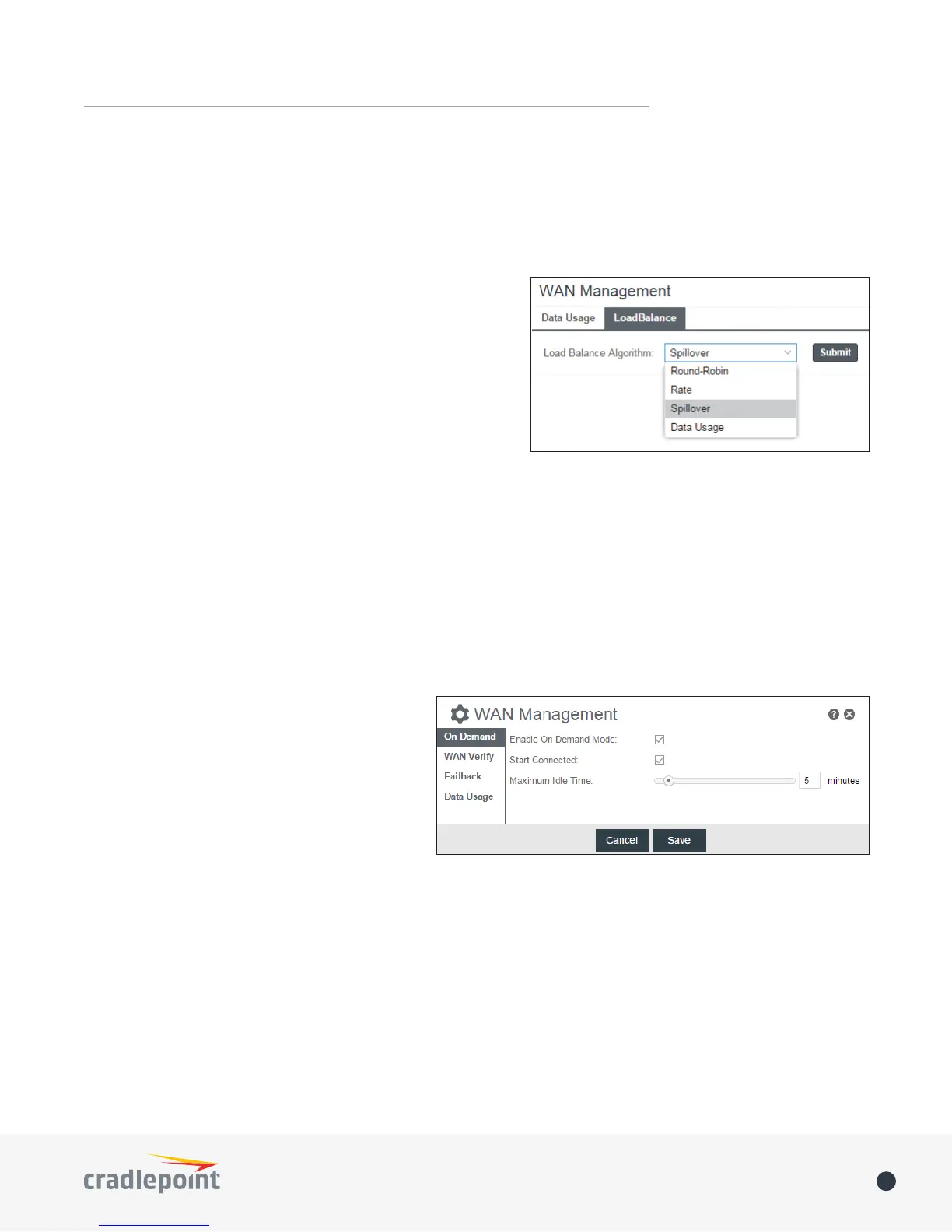
From WAN Management, select the Load Balance Algorithm from
the following dropdown options:
• Round-Robin
WAN connections.
• Rate: Distribute load based on the current upload and
download rates. A WAN device’s upload and download
bandwidth values can be set in Internet > Connection
Manager.
• Spillover: This was the default algorithm in older (version
available bandwidth. The estimated bandwidth rate is based on a combination of the upload and download
• Data Usage: This mode works in concert with the Data Usage feature (Internet > Data Usage).
the “Use with Load Balancing” checkbox in the data usage rule editor.
ON DEMAND
When the On Demand mode is selected a connection
to the Internet is made as needed. When On
Demand is not selected a connection to the Internet
WAN VERIFY
Idle Check Interval: The amount of time between each check. (Default: 30 seconds. Range: 10-3600 seconds.)
Monitor while connected
• Passive DNS














 To Next Page