©2016 Cradlepoint. All Rights Reserved. | +1.855.813.3385 | cradlepoint.com
34
User Manual / AER2100
4/19/16
HOTSPOT SERVICES
select a network and set it as a hotspot in
NETWORKING > Hotspot Services.
NOTE
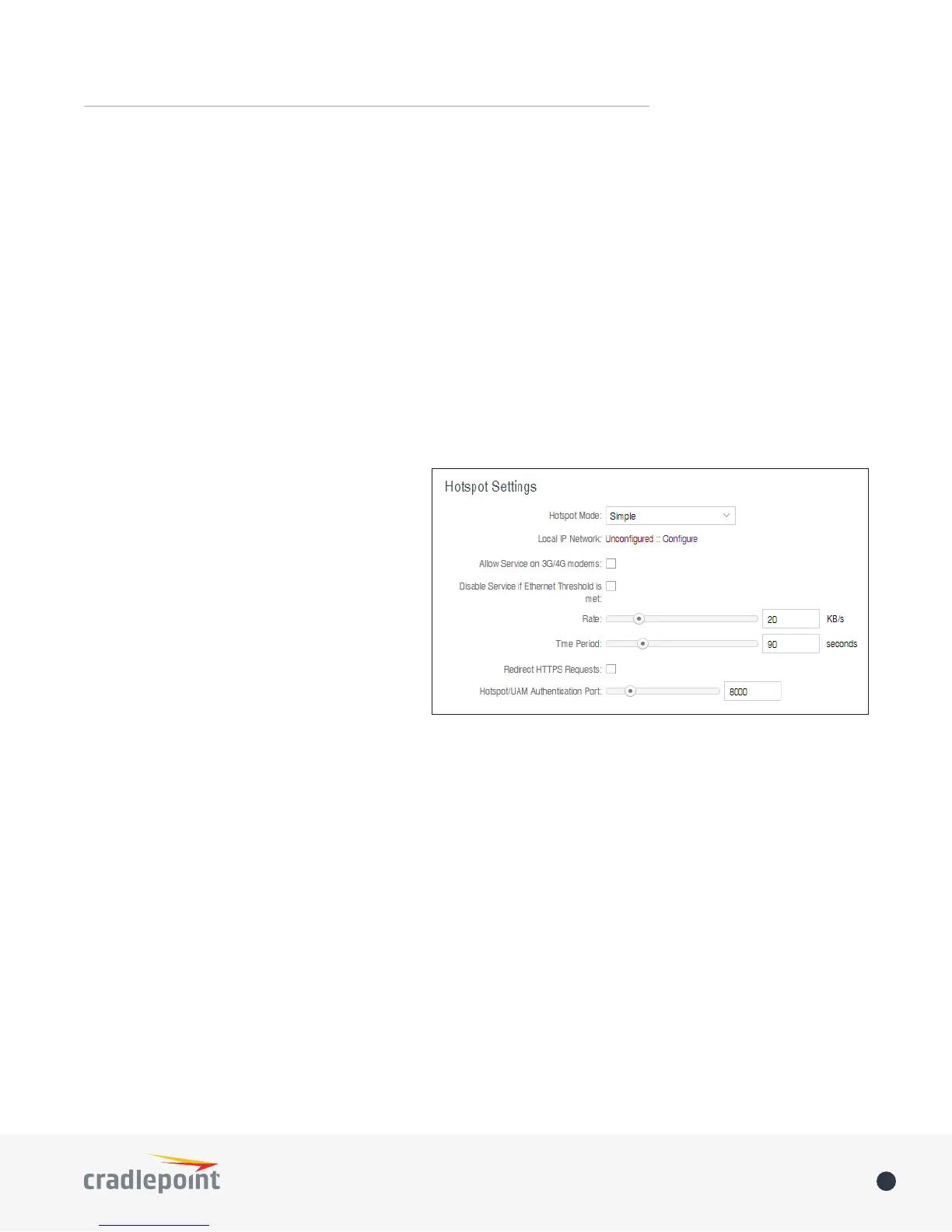
Hotspot Mode: Choose from the following
dropdown options:
• Simple: Allows “Terms of Use” page and
timeout settings controlled within the
router
• RADIUS/UAM
authentication servers
Local IP Network
Configure and set the IPv4 Routing Mode
NOTE
NETWORKING > Local IP Networks and click Edit
Allow Service on 3G/4G Modems
the wired connection goes down.
Disable Service if Ethernet Threshold is met: This will block hotspot use of the WAN when the threshold is
met. This can be used if the router is being used as a backup failover connection to another router with a wired
connection, then disable hotspot use of the WAN connection. Set the limiting Rate (KB/s) and Time Period
(seconds).
Redirect HTTPS Requests
Hotspot/UAM Authentication Port
the port.
Mode
port.
• Internet (WAN) is used as a possible source of Internet for the router
• Local Network (LAN)
cable.
Link Speed: Default setting is Auto. The Auto setting is preferred in most cases.
• Auto
• 10Mbps - Half Duplex
• 10Mbps - Full Duplex
• 100Mbps - Half Duplex
• 100Mbps - Full Duplex
• 1000Mbps - Full Duplex














 To Next Page