EasyManua.ls Logo

Cradlepoint AER2100 - Page 79

Cradlepoint AER2100
108 pages
Print Icon
To Next Page IconTo Next Page
To Previous Page IconTo Previous Page
Loading...
©2016 Cradlepoint. All Rights Reserved. | +1.855.813.3385 | cradlepoint.com
79
User Manual / AER2100
4/19/16
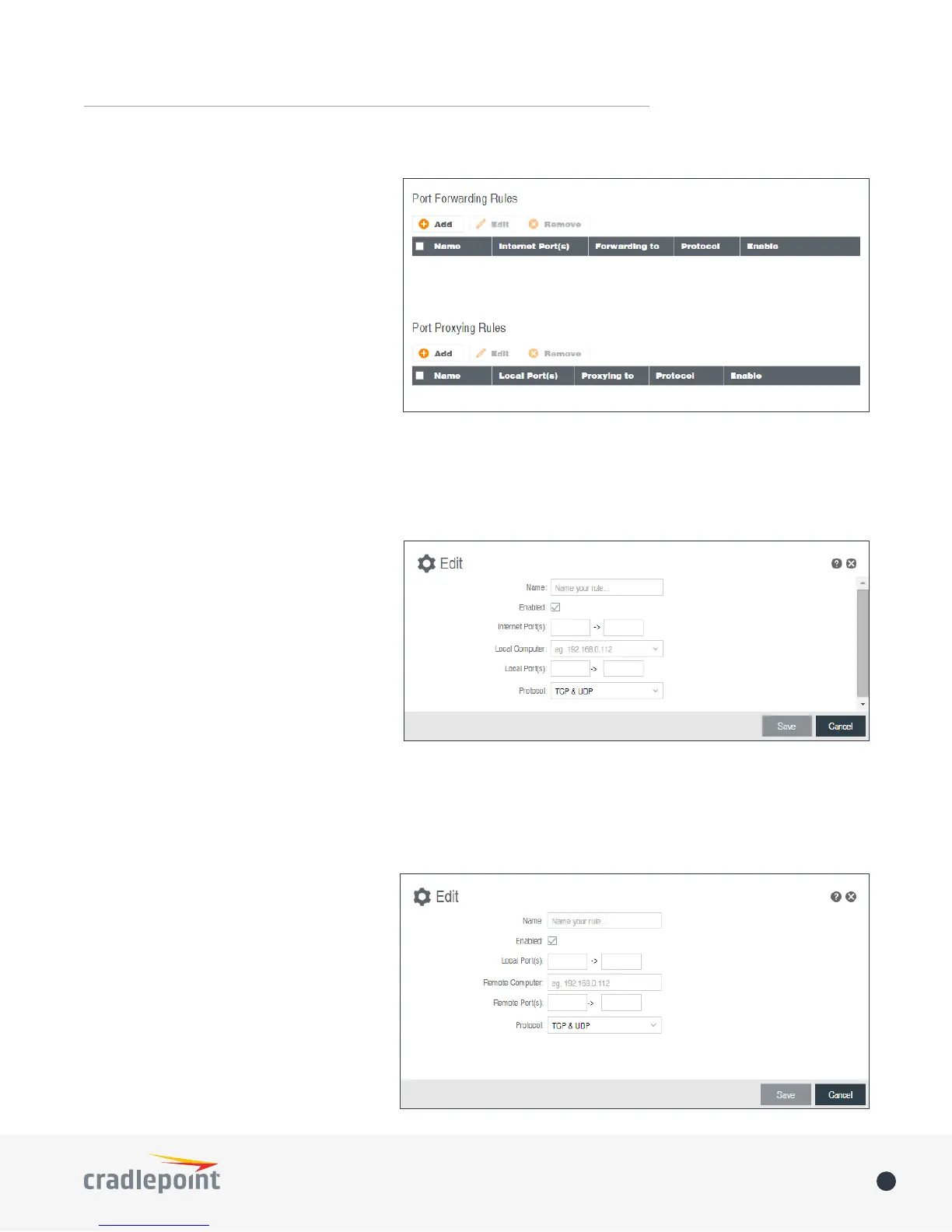
Add/Edit Port Forwarding Rule
• Name
• Enabled:

• Use Port Range: Changes the selection

ports (if desired).
• Internet Port(s): The port number(s) as



not have to be. These numbers will be
mapped to the local port numbers.
• Local Computer: Select the IP address

• Local Port(s): The port number(s) that corresponds to the service (Web server, FTP, etc.) on a local



a number other than 80 for the Internet
Port, connections to that number will
be mapped to 80 – and therefore the

• Protocol: Select from the following
options in the dropdown menu:
• TCP
• UDP
• TCP & UDP
Click Save
forwarding rule.
Port Proxying Rules

Internet.
Click AddEdit.
Add/Edit Port Proxying Rule
• Name
• Enabled

• Use Port Range: Check this box
to create a rule which proxies a
contiguous range of ports instead of
a single port. The remote port(s) will
require the same number of contiguous
ports.
• Local Port(s)

• Remote Computer
