©2016 Cradlepoint. All Rights Reserved. | +1.855.813.3385 | cradlepoint.com
80
User Manual / AER2100
4/19/16
NAT
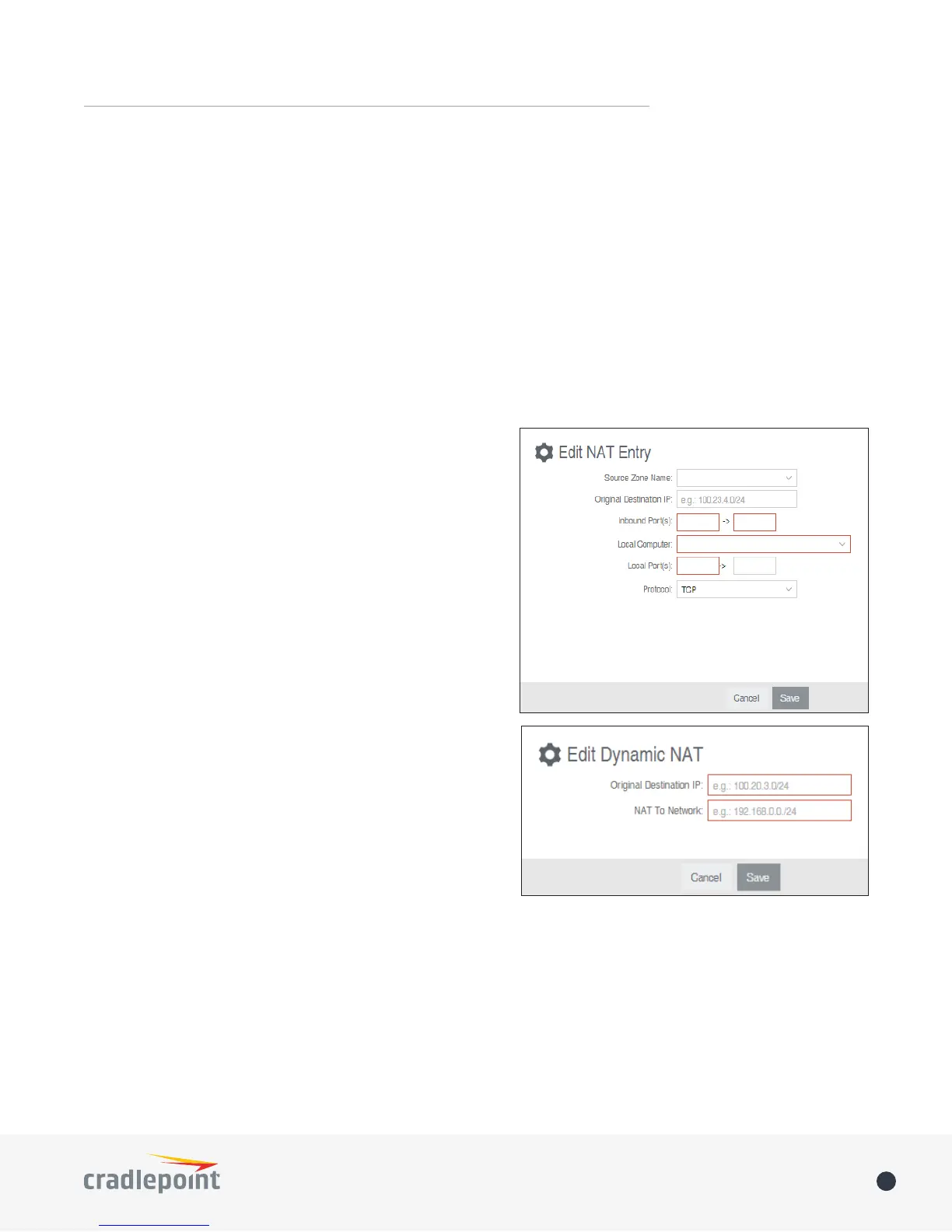
Click Add to create a Zone NAT.
• Source Zone Name: The Zone created in Zone Firewall.
Select the Zone to NAT.
• Original Destination IP:
this router will have the destination IP translated to an
internal network.
• Inbound Port(s):
• Local Computer:
• Local Port(s):
• Protocol:
Dynamic 1:1 NAT
match. If the local network range is larger than the incoming
Click Add
• Remote Port(s)
• Protocol
• TCP
• UDP
• TCP & UDP
Click Save














 To Next Page