User Manual
C O PYRIG HT ©2016 C reatComm Technology
1.6 LE D D e s c rip tio n
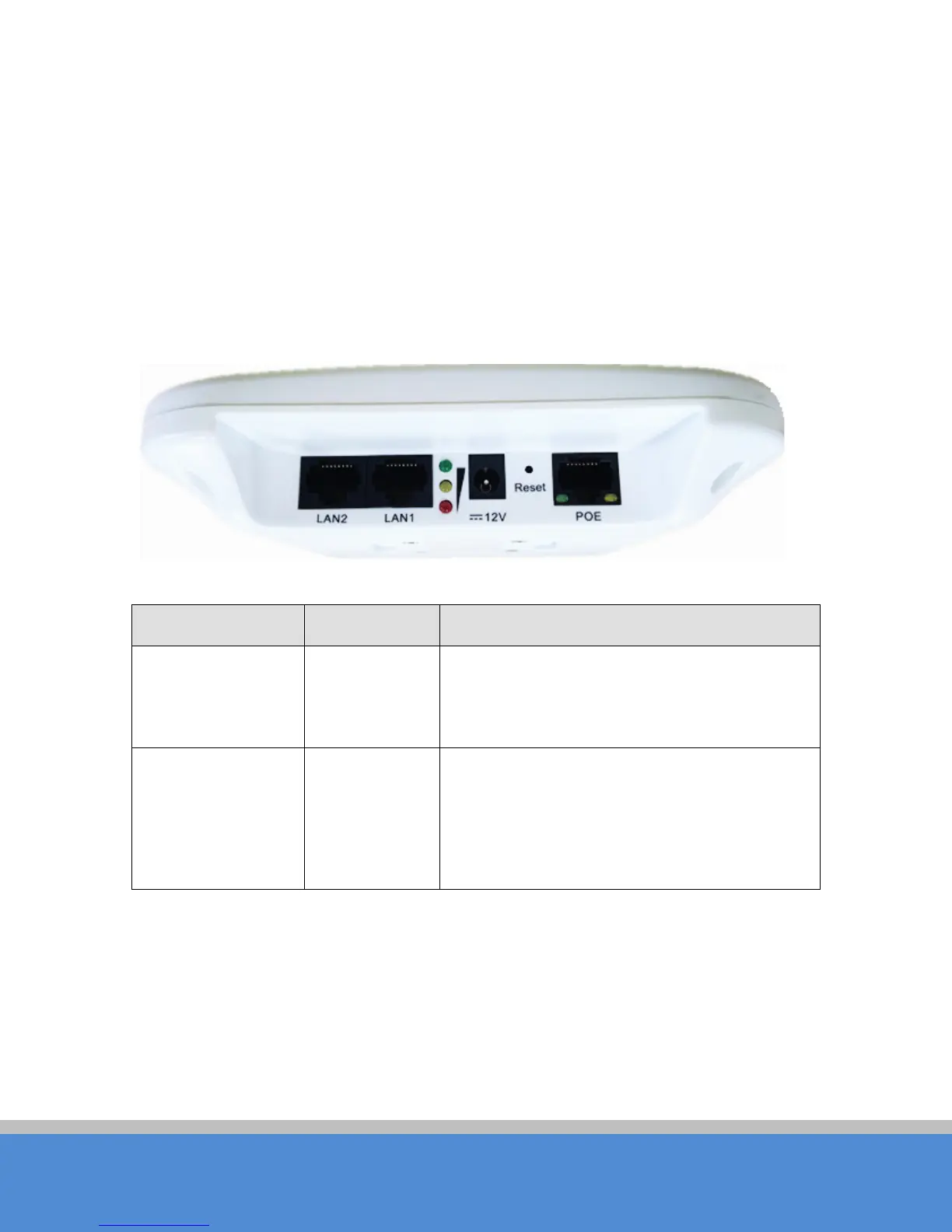
TB2I use LED to reflect the current status of working and quality of the connection.
LE D is m ainly d ivid e d into two p arts , status of the device and the quality of the connection.
As shown on the picture, the first left LED indicator for the LAN , the second from the left
fo r the W LA N ind ic ato r lig ht, the m id d le thre e s ig nal s treng th ind ic ato r, as sp e c ified in the
fo llo wing Tab le :
Fig ure 1-2 LED
Tab le 1-3 LE D Info rm atio n
LED C o lo r S tatus
LAN Y e llo w The light indicates there is an external device
connects to the LAN port which is the LAN 1 port
o f TB 2 I.
WLAN G reen The lig ht ind ic ates that the wire le s s TB 2 I is
enabled.
B lin king m e ans enab le d wirele s s d e vic e s , and is
sending the wireless data.



 To Next Page