User Manual
C O PYRIG HT ©2016 C reatComm Technology
6 Services
S e rvic e s p age is d ivid e d into d ynam ic D N S , S N M P , C A P W A P , W iFiD o g and U P N P , the
fo llo wing lis ts o nly C APW AP and SNMP instructions.
6.1 CAPWAP
CAPWAP: C o n tro l an d P ro vis io n ing o f W ire le s s A c c e s s P o ints P ro to c o l S p e c ific atio n.
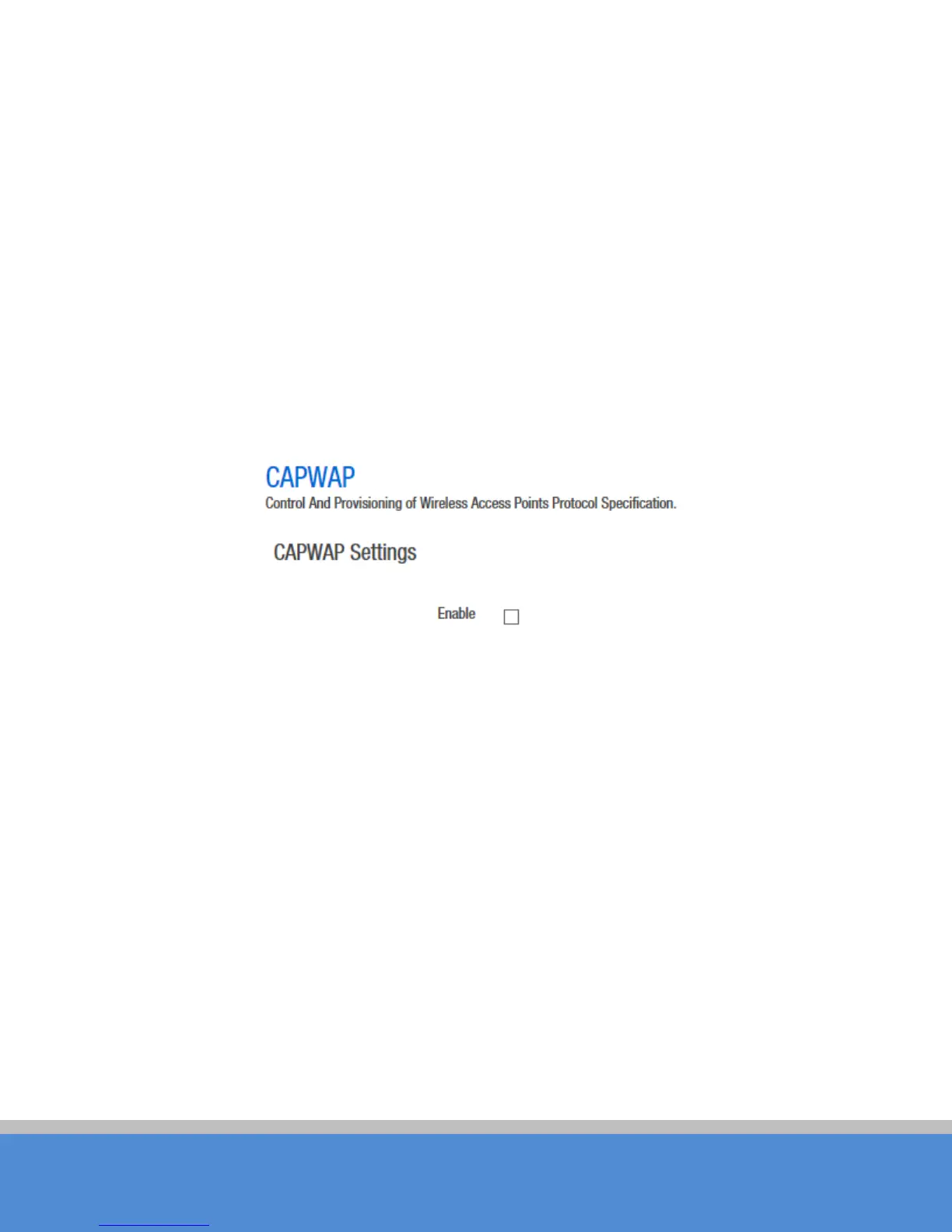
C APW AP settings page as shown in figure. Enable this feature; you need to use the AC
management system.
Fig ure 6-1 CAPWAP
Interface: the default option is LAN, the network administrator can choose it according to
their own interface configuration.
Location: the location of the device on the AC, it can be modified in the AC according to
your needs.
Discovery mode: choosing how to find the IP address of AC . When you choose
Auto
, AC IP can be automatically discovered by the device; when you choose
manual
,
you need to fill in AC IP address. After CAPWAP feature is enabled, click on the
save &
ap p lic atio n
b utto n, the d e vic e will ap p ly A C c o nfig uratio n and res tart, the n the d e vic e will
jo in the A C .
N ote: If yo u want to set a c lie nt m o d e d e vic e to jo in A C suc c e ss fully, the c lie nt s ho u ld b e
connected to the access point device first, and the access point device has also opened
the C APW AP function and joined the same AC system.



 To Next Page