User Manual
C O PYRIG HT ©2016 C reatComm Technology
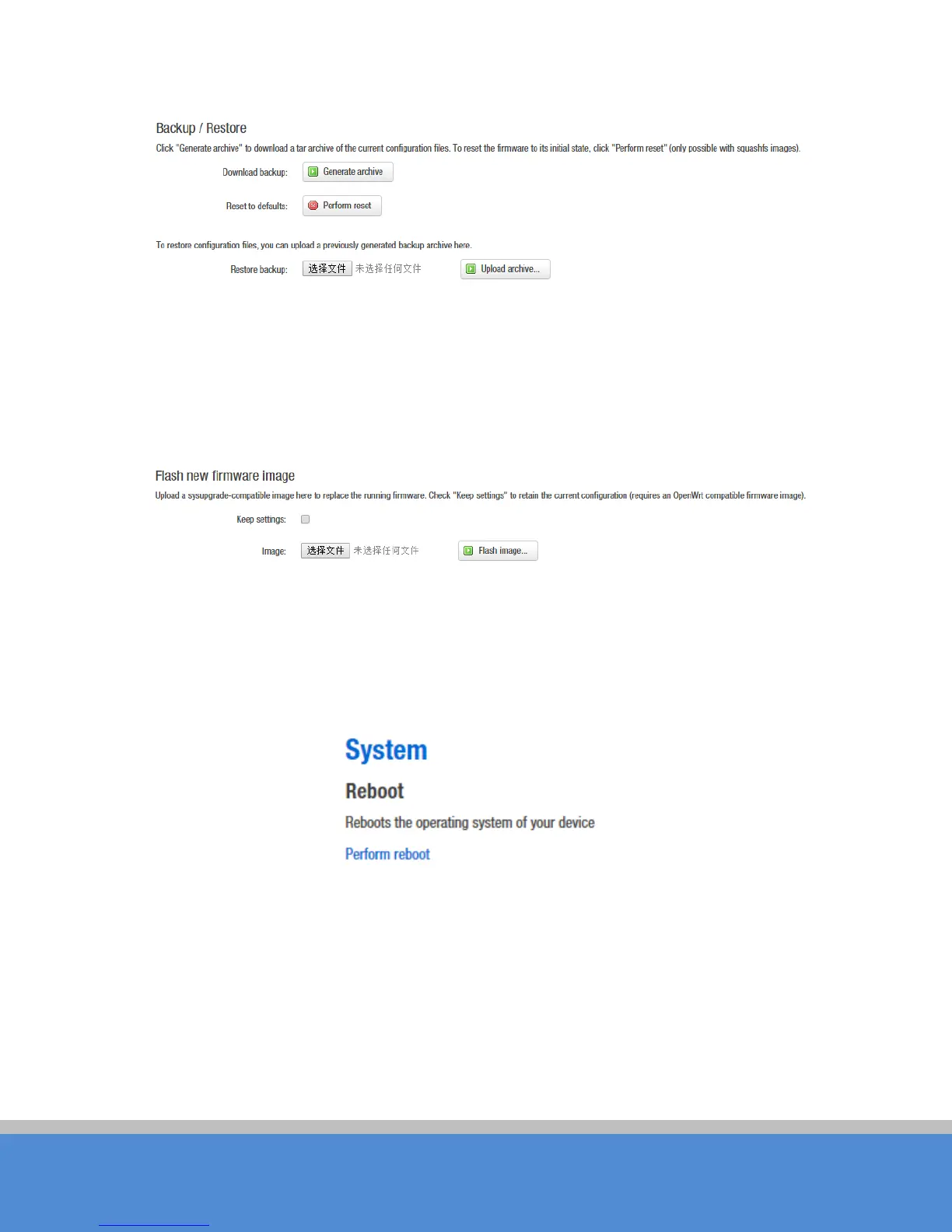
Fig ure 5-8 Backup / Restore
Flash new firmware image
Upload a sysupgrade - compatible image here to replace the running firmware. Check
"Keep settings" to retain the current configuration (requires an O penW rt compatible
firm ware im age ).
Fig ure 5-9 Flash new firmware image
5.5 Reboot
C lick Perform reboot to reboot the operating system of your device.
Fig ure 5-10 Reboot



 To Next Page