User Manual
C O PYRIG HT ©2016 C reatComm Technology
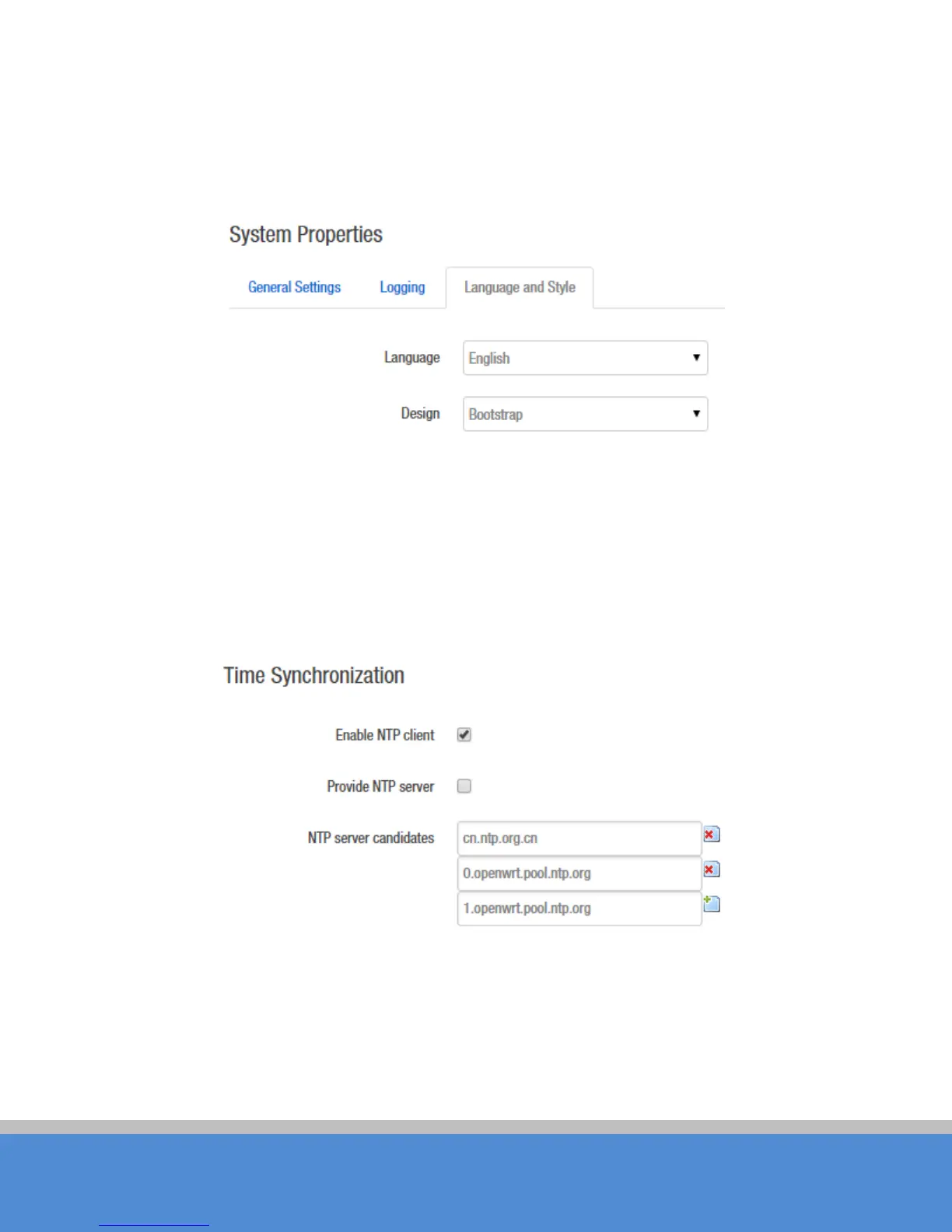
Language and Style: choose the language of the web page you want. You can modify the
Language into English or C hinese. The default Design is bootstrap style, you can also
choose openwrt style based on personal hobby.
Fig ure 5-3 System Properties – Language and Style
Time Synchronization: when the device can surf the Internet, you can enable the NTP
c lie nt an d fill in the N TP s e rve r c and id ate s . TB 2 I will get tim e auto m atic ally fro m the N TP
server and displayed in the status page. At this point you can also tick the
Provide NTP
server
and make the device as a NTP server for other devices connected to the TB2I to
ac q u ire tim e .
Fig ure 5-4 System Properties – Time Synchronization
5.2 A d m inis tratio n
R o uter P asswo rd : Changes the administrator password for accessing the device.



 To Next Page