User Manual
C O PYRIG HT ©2016 C reatComm Technology
can help network administrator check equipment operation status and log information
conveniently, and can also help tracking running status of the device.
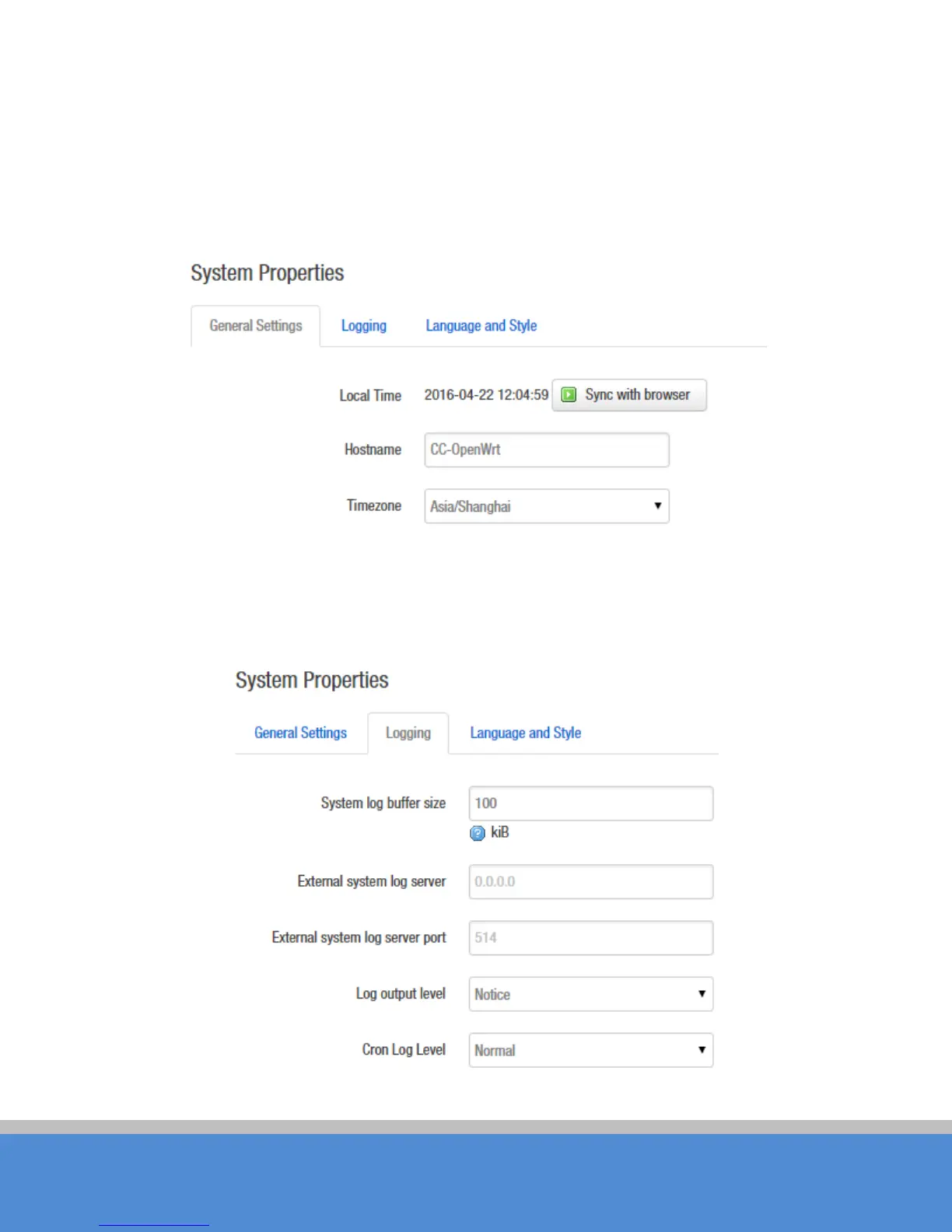
Host name is corresponding to the Router Name of the status page; users can change it
according to their own needs as shown in the figure.
Fig ure 5-1 System Properties – G e ne ral S e tting s
Logging: When Syslog is enabled, and the System Log server’s IP is also set here, the log
info rmatio n will b e o utp ut to the S ys lo g s e rve r auto m atic ally.
Fig ure 5-2 System Properties - Lo g ging



 To Next Page