User Manual
C O PYRIG HT ©2016 C reatComm Technology
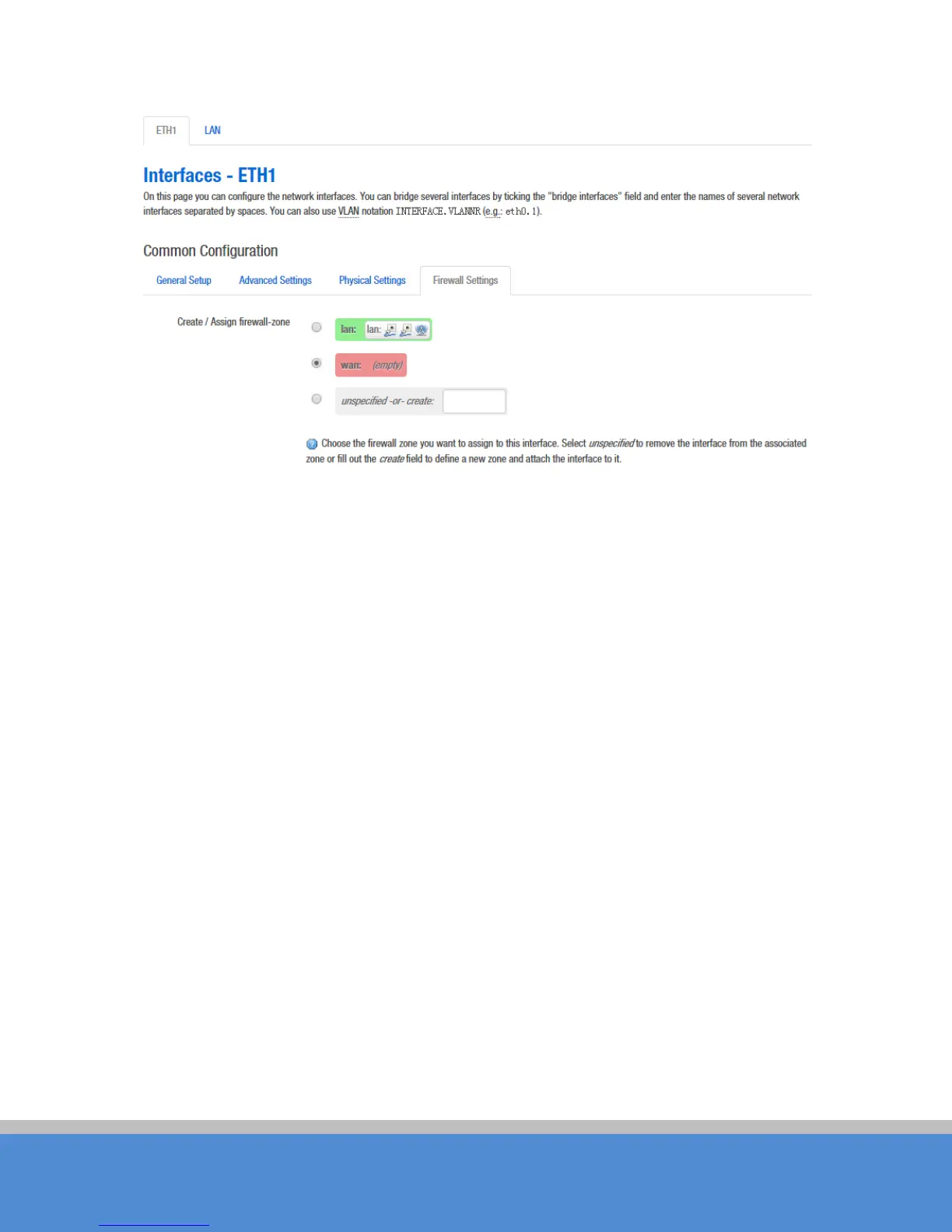
Fig ure 7-12 R o ute r Interfac e - F ire wall S e tting s
7.2 W ifi
7.2.1 D e vic e C o nfiguratio n
The
D e vic e C o nfig uratio n
se c tio n covers physical settings of the radio hardware such as
c hanne l, trans m it p o wer o r ante nna s e le c tio n whic h is shared amo ng all d e fin e d wireles s
networks (if the radio hardware is multi-SSID capable).
Open the Network -> W ifi p ag e , yo u will s e e the c urre nt wireless profile and the
info rmatio n o f as s o c iate d s tatio ns.



 To Next Page