User Manual
C O PYRIG HT ©2016 C reatComm Technology
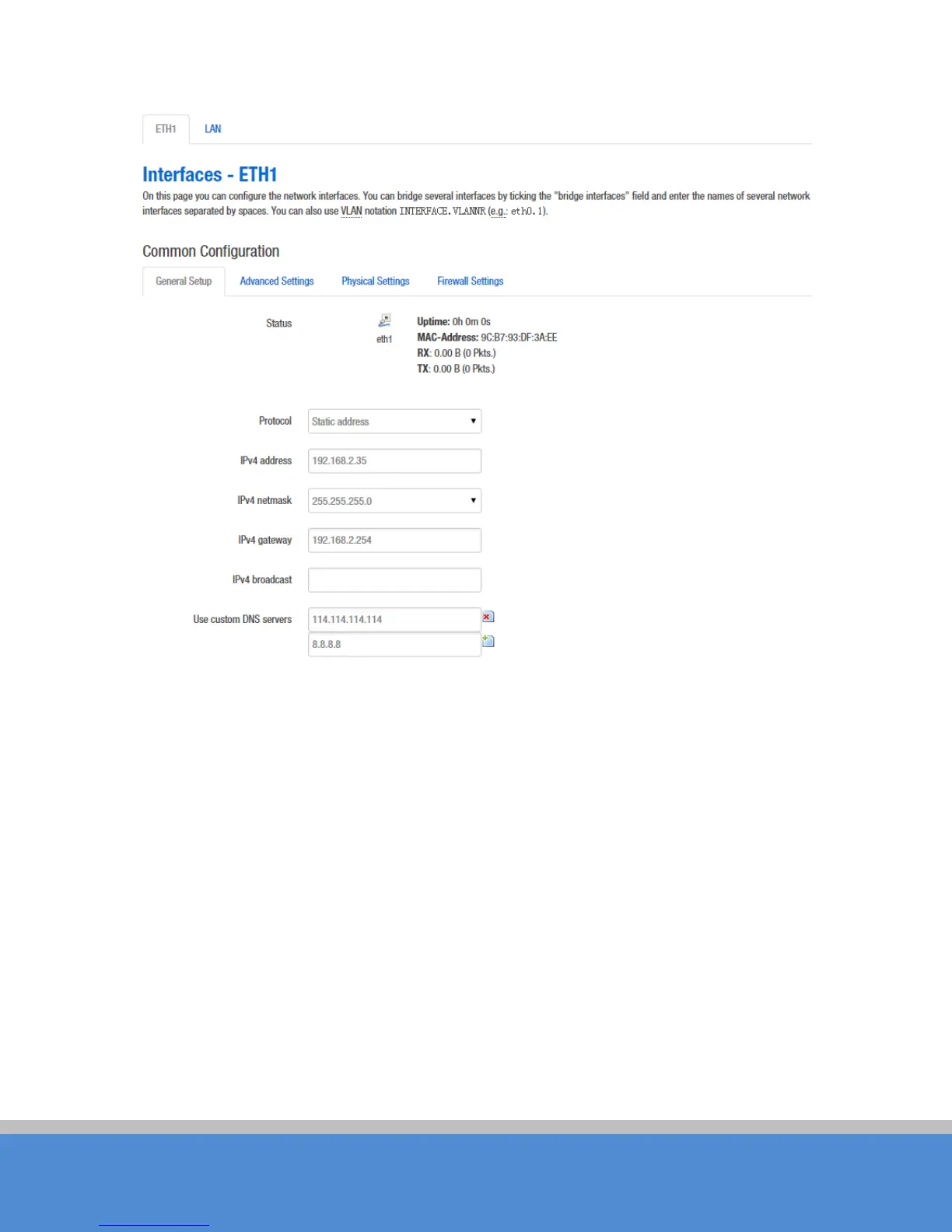
Fig ure 7-11 R o ute r Interfac e – G eneral Setup
IPv4 gateway: In general, the IPv4 gateway address and W AN IP address are in the same
network.
In general setup - the firewall settings page, select the default wan firewall-zone, after
saving the application, you will see ETH1 is set to the W AN zone, then routing mode setup
is complete, eth1 port is set for the WAN port. Firewall rules modify please refer to the
chapter 7.3 firewall chapters.



 To Next Page