User Manual
C O PYRIG HT ©2016 C reatComm Technology
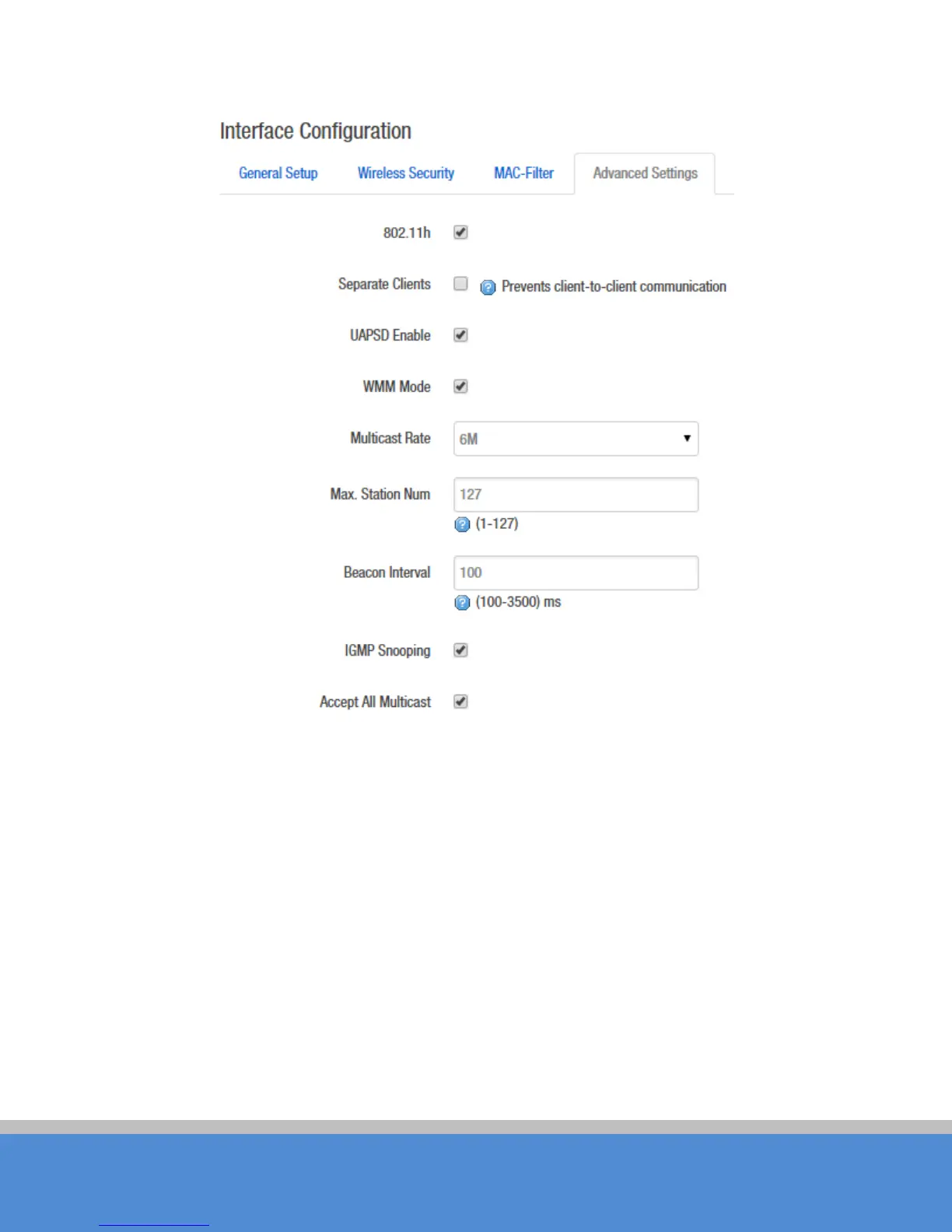
Fig ure 7-25 Inte rfac e C o nfigura tio n – Advanc ed S ettings
S tatio n Is o latio n: Enable this function, STA can’t communicate with each other.
M ax S tatio n Lim it: You can set the number of STA that connect to AP.
7.3 Fire wall
The firewall c re ates zo nes o ver yo ur netwo rk interfac es to c o ntro l network traffic flow. The
default settings of firewall zone as shown below.



 To Next Page