User Manual
C O PYRIG HT ©2016 C reatComm Technology
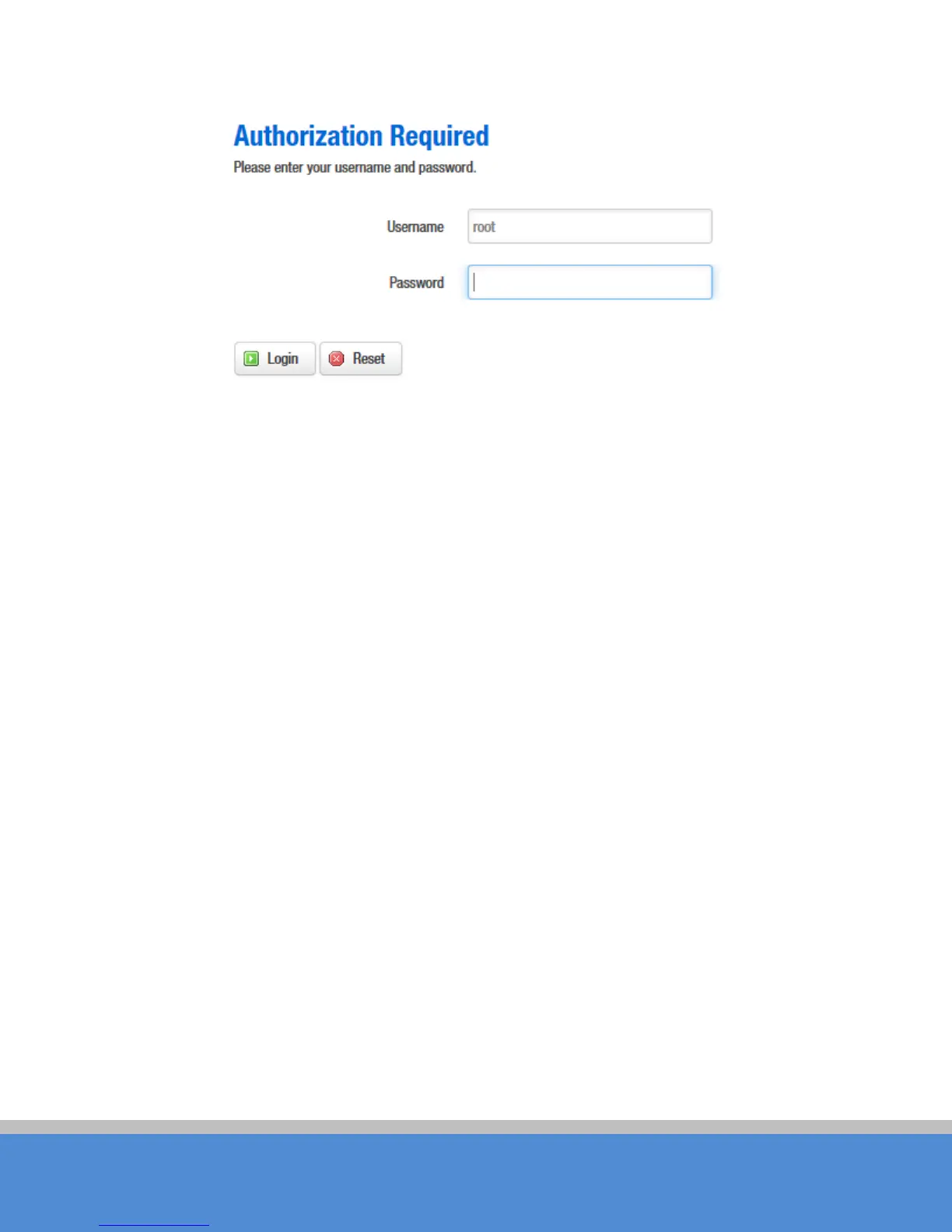
Fig ure 3-3 TB2I Login Page
3.2 W izard
Users can quickly configure TB2I according to the following steps through the wizard
in this c hap ter.
1. The first p ag e s ho wn after lo g in is the S tatus page, which indicates the working
status, current setting, software version and other information of the TB2I device. User
can switch to other pages by clicking the main menus.



 To Next Page