User Manual
C O PYRIG HT ©2016 C reatComm Technology
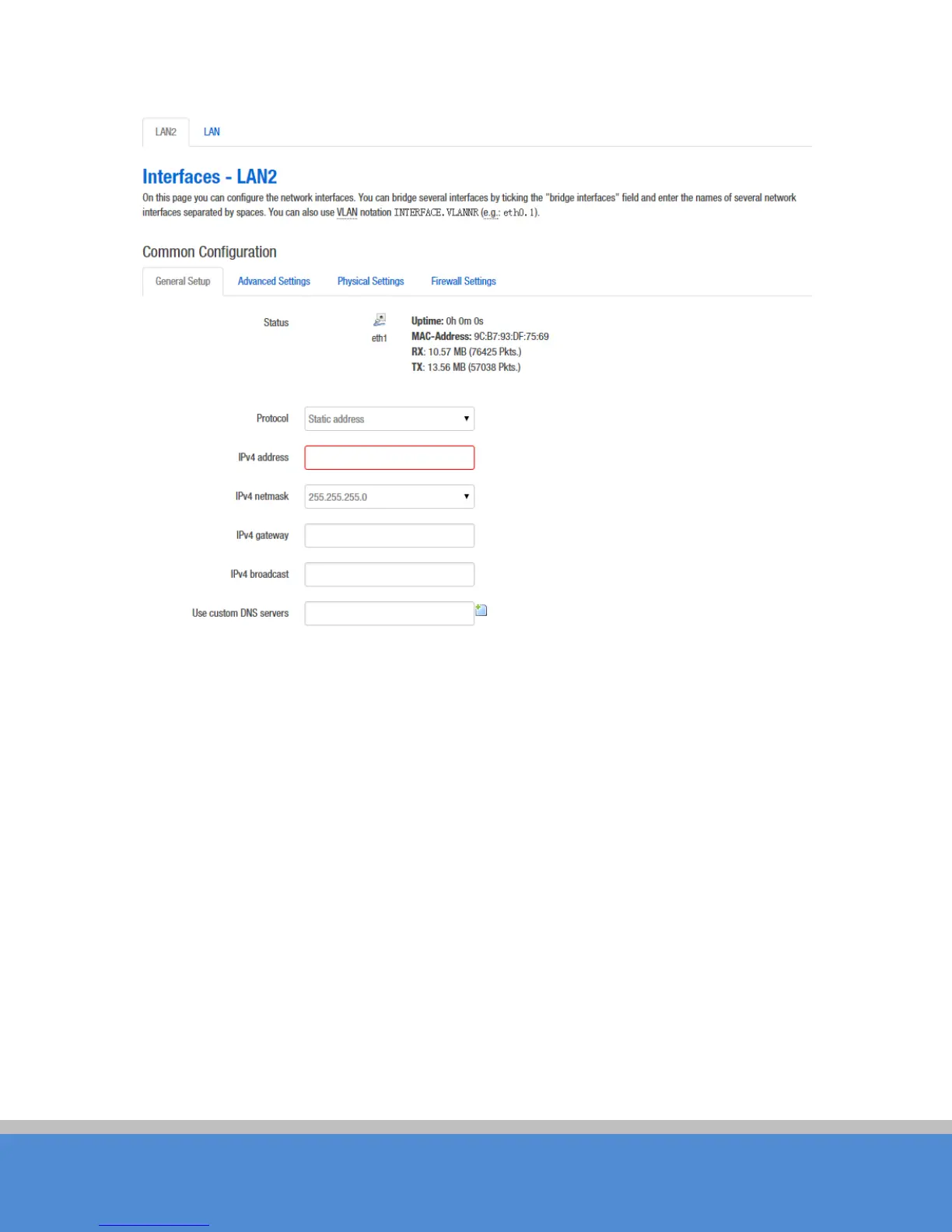
Fig ure 7-8 C reate LAN2 interface
Please refer to chapter 7.1.1 to see how to configure the interface.
7.1.4 R o uter M o d e
Routing mode TB2I is equivalent to a router, it has a W AN port and LAN port. You should
select an interface which needs to be removed from the default LAN interface for the WAN
interface configuration.
Below we will set eth1 port to WAN as an example, introduces the configuration of the
WAN. Please refer to the manual 7.1.1 Ethernet adapter "eth1" removed from the LAN
interface.



 To Next Page