User Manual
C O PYRIG HT ©2016 C reatComm Technology
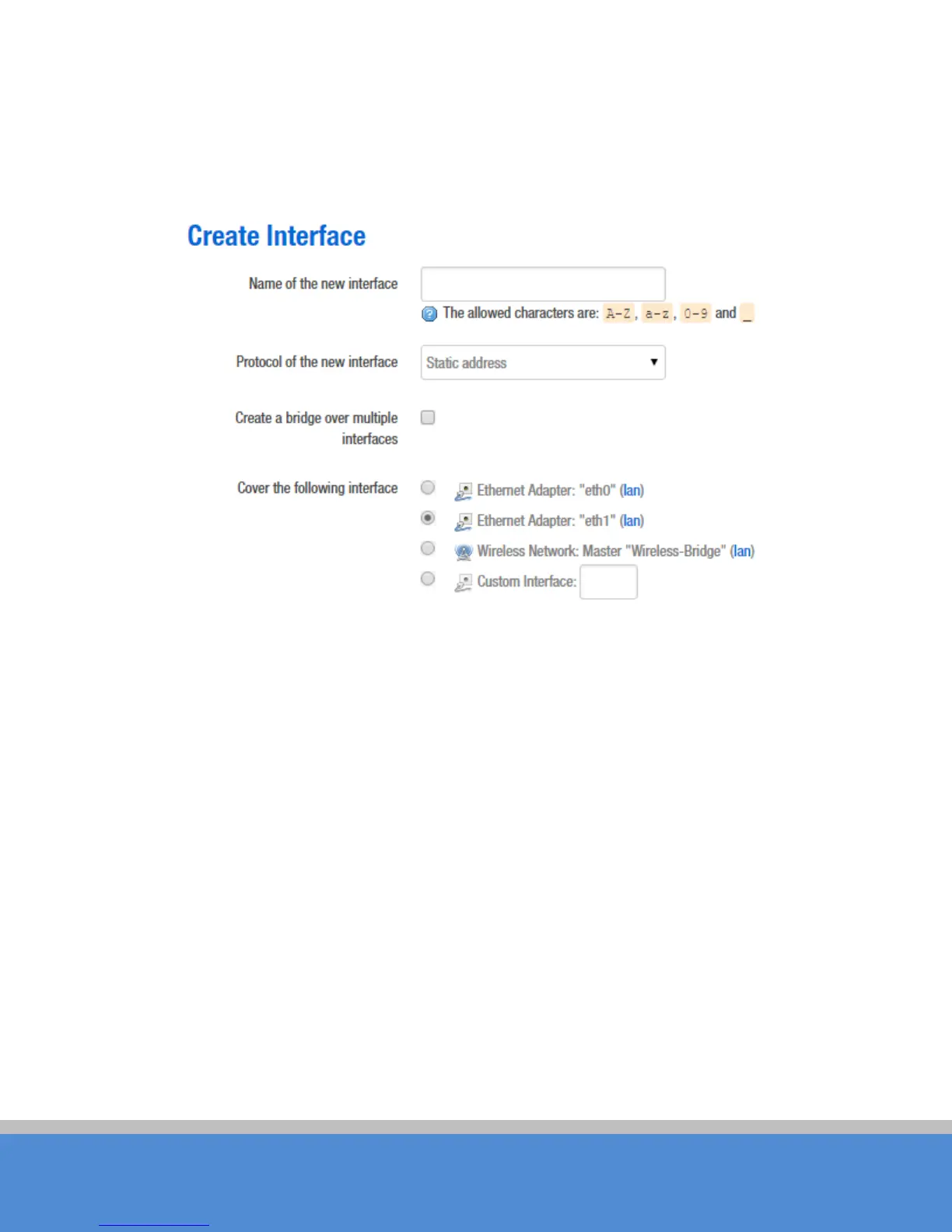
Fill in the name of the new interface, such as LAN2, select the Ethernet adapter eth1
interface, all of the configuration in this page can be modified again in the subsequent
pages.
Fig ure 7-7 C reate Inte rfac e
C lic k S ub m it, will ente r the ne w LA N 2 inte rfac e c o nfiguratio n p age . This p ag e c an b e
c o nfig u red fo r all the e xis tin g inte rfac e s , as s ho wn b e lo w; yo u c an s till s e e the o riginal LA N
interface.



 To Next Page