User Manual
C O PYRIG HT ©2016 C reatComm Technology
7 N etwo rk
The netwo rk s e ttin g s p ag e is d ivid e d into the Interfac e , W ifi, D H C P and D N S , H o s tnam e s,
S tatic R o utes, D iag n o s tic s , F irewall, V LA N , P ing W atc hd o g , Q o S . W e will fo c us o n the
Interfac e , wirele s s, ne two rk d iagno stic s , fire wall, P ing, W atc hd o g . V LA N .
The fo llo wing will fo c us o n the intro d uc tio n o f the Interfac e , W ifi, D iagno s tic s , F ire wall,
VLAN, Ping W atchdog.
7.1 Inte rfac e s
7.1.1 Common Configuration
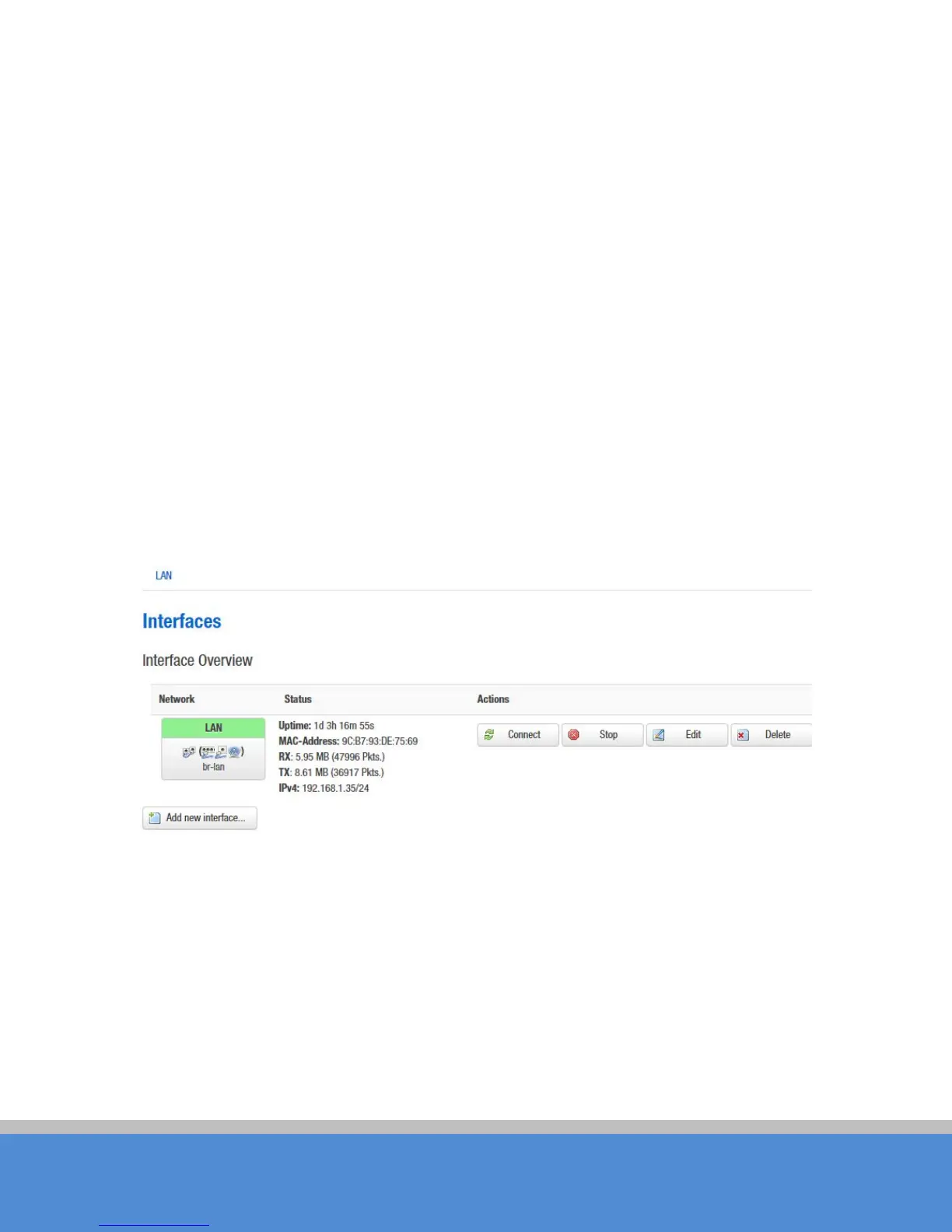
Open the network interface page; you’ll see the overview of the current interface.
Fig ure 7-1 Inte rfac e s
C lic k “E d it” b utto n, yo u will ente r the Inte rfac e s -LAN page. O n this page you can configure
the network interfaces. You can bridge several interfaces by ticking the "bridge interfaces"
field and enter the names of several network interfaces separated by spaces. You can
also use VLAN notation INTERFACE.VLANNR (e.g.: eth0.1).



 To Next Page