User Manual
C O PYRIG HT ©2016 C reatComm Technology
5.3 LE D C o nfiguration
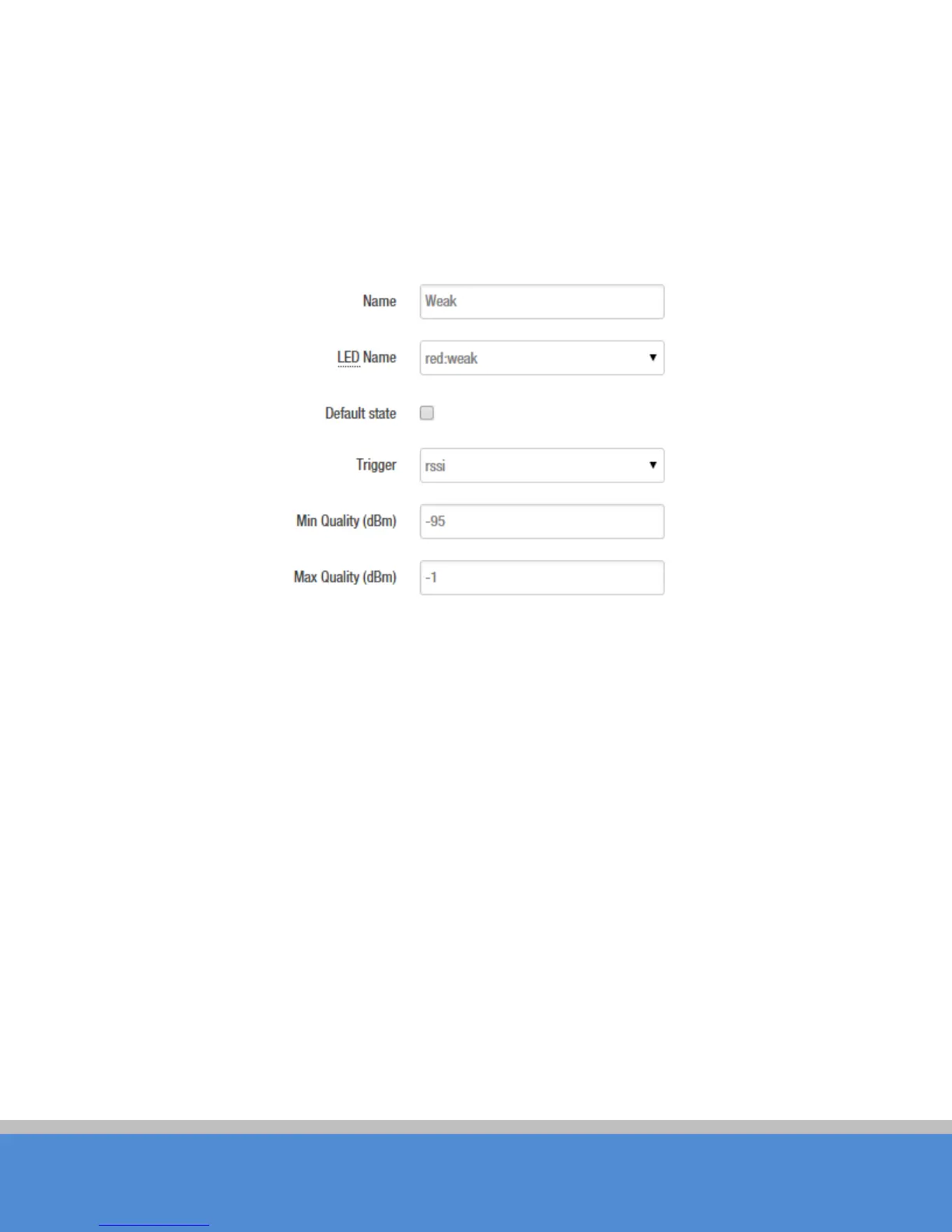
C lic k o n S ys te m->LED C onfiguration, in this page you can customize the behavior of the
d e vic e LE D s if p o s s ib le ; it d e fine s the value o f the sig nal s treng th re q uire d fo r the lig ht o f
the 3 LEDs, which works only on the client mode device.
Fig ure 5-7 LED S ettings
The red LED intensity value is the smallest of the 3 LEDs (red < yellow < green), the
default range of red LED: -95~-1 d B m , ye llo w: -71~-1dBm, green: -56~-1dBm. When the
signal strength is higher than -95dB and below -71 d B m , red lig ht; whe n the s ig nal
strength is higher than -71dB and below -56dBm, both red and yellow light; when the
signal strength is higher than -56d B m , all the 3 LE D s light.
5.4 Backup / U pgrade
S ystem->B ac kup / F las h F irmware p age is ve ry s im p le to u s e . It is d ivid e d into the
fo llo wing 2 p arts :
Backup / Restore
C lick "G enerate archive" to download a tar archive of the current configuration files.
Click "Perform reset" to reset the firm ware to its initial state .
To restore configuration files, you can upload a previously generated backup archive.



 To Next Page