User Manual
C O PYRIG HT ©2016 C reatComm Technology
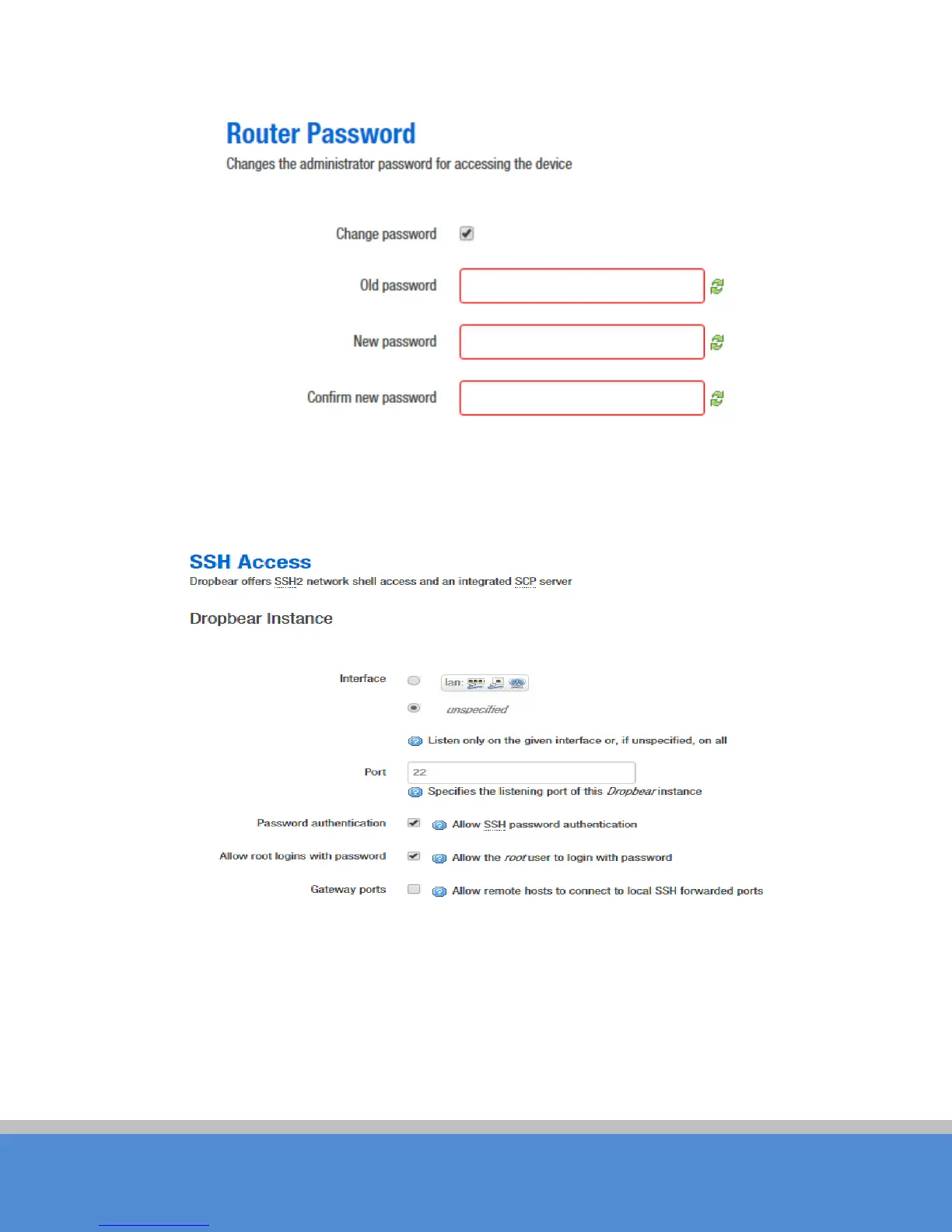
Fig ure 5-5 Password
SSH Access: D ro p b ear o ffers SSH2 network shell access and an integrated SCP server.
Here you can change the default SSH parameters.
Fig ure 5-6 SSH
N ote: afte r saving the c o nfig uratio n o f ad m inistratio n p age , the d e vic e will auto matic ally
close telnet access, the user can login the device through more secure SSH.
S ystem->Software, Startup and Scheduled Tasks pages: it is not recommended to
operating, just keep the default configuration.



 To Next Page