User Manual
C O PYRIG HT ©2016 C reatComm Technology
Click the SSID you need, here we select the
office-2.4G TB2I
as an e xamp le . C lic k o n "
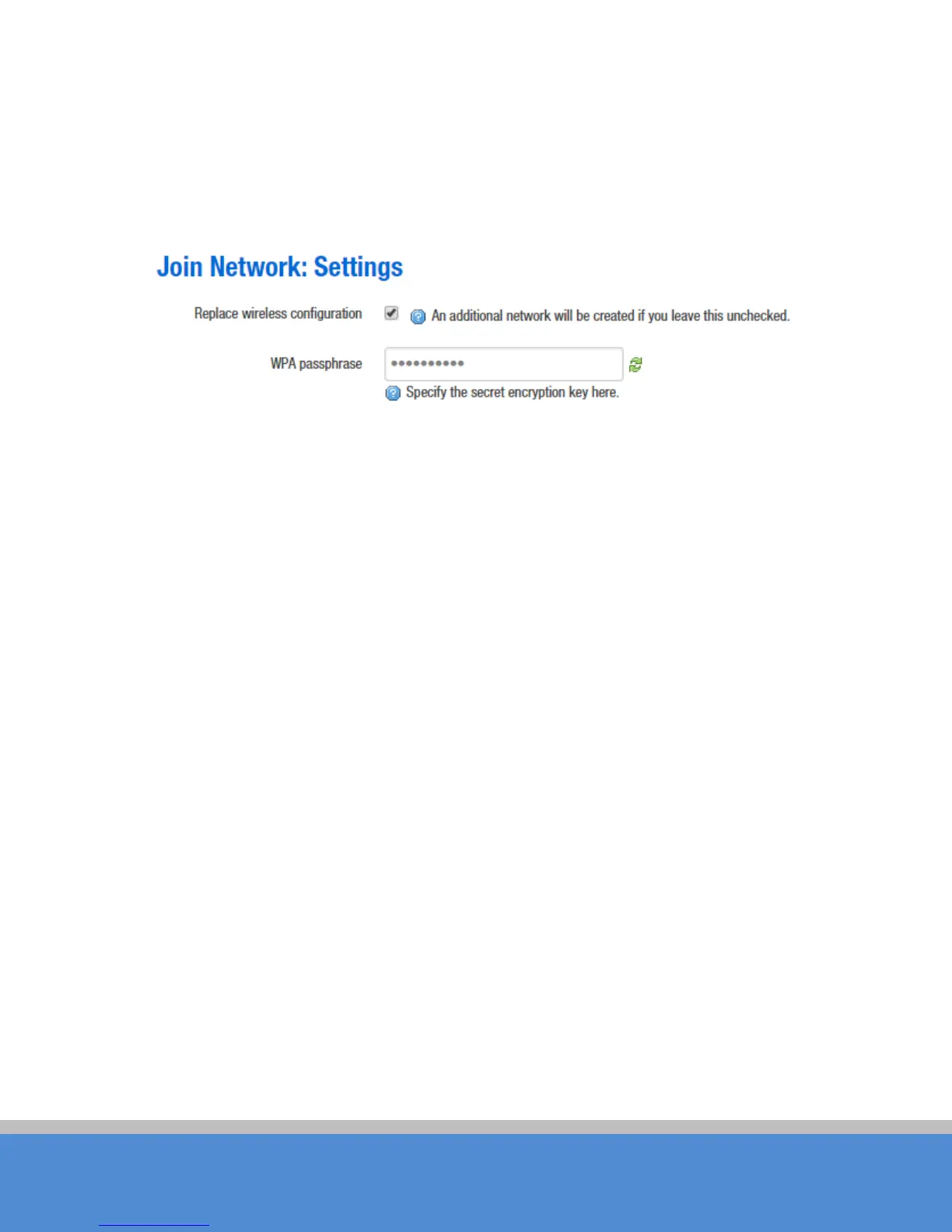
Jo in N e two rk”, it will ap p e ar the fo llo wing tip s as s ho wn b e lo w, a nd if yo u c hec k "R e p lac e
the wire les s c o nfig uratio n", c lic k o n the c o n firm atio n will c o ve r all c urre nt wire le s s te m p late
settings, please choose carefully.
Fig ure 7-15 Join Network-1
Here we uncheck the "Replace wireless c o nfiguratio n", c lic k "S ub mit", it will ap p e ar the
fo llo wing p ag e b e lo w.



 To Next Page