User Manual
C O PYRIG HT ©2016 C reatComm Technology
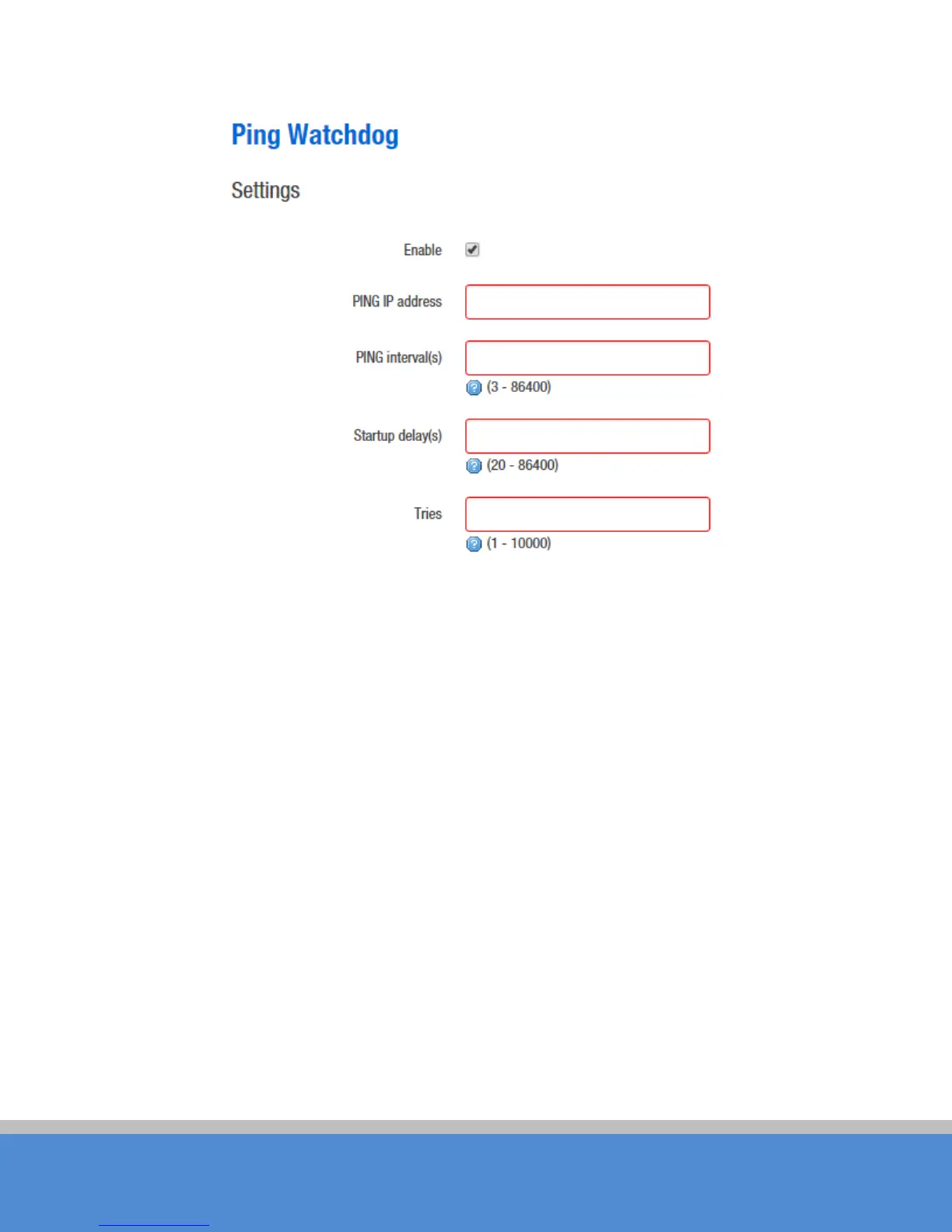
Fig ure 7-33 Ping W atchdog
Ping IP Address:S p e c ify an IP ad d re s s o f the targ e t whic h will b e m o nito re d b y P ing
Watchdog. If this feature is enabled at the side of “C lient”, Ping IP Address should be the
IP ad d re s s o f the A P the C lient is c o nne c ting to .
Ping Interval: Specify time interval (in seconds) between the pings requests are sent by
the Ping W atchdog
S tart-up D e lay: s p e c ify initial tim e d e lay (in s e c o nd s ) until first p ing re q uest is sent by the
P ing W a tc hd o g
P ing Failure:Specify the number of ping replies. If the specified number of ping replies is
no t re c e ive d c o ntinuo usly, th e P ing W atc hd o g will re b o o t the d e vic e .
N ote:If users want to modify the parameters of Ping Watchdog, p le ase d is ab le it firs t and
then apply. When the web page shows that Ping W atchdog is really disabled, users can
now re-enab le it with m o d ified p arame ters.



 To Next Page