360a DISPLAY
CONFIGURATION SETUP (cont’d)
There are other areas where Max Speed may have to be adjusted and that is if Profiling or Over Speed
Options are used. If Max Speed is exceeded in those circumstances, a warning message will occur in the
Status Box. Increase the Max Speed until the warning goes away.
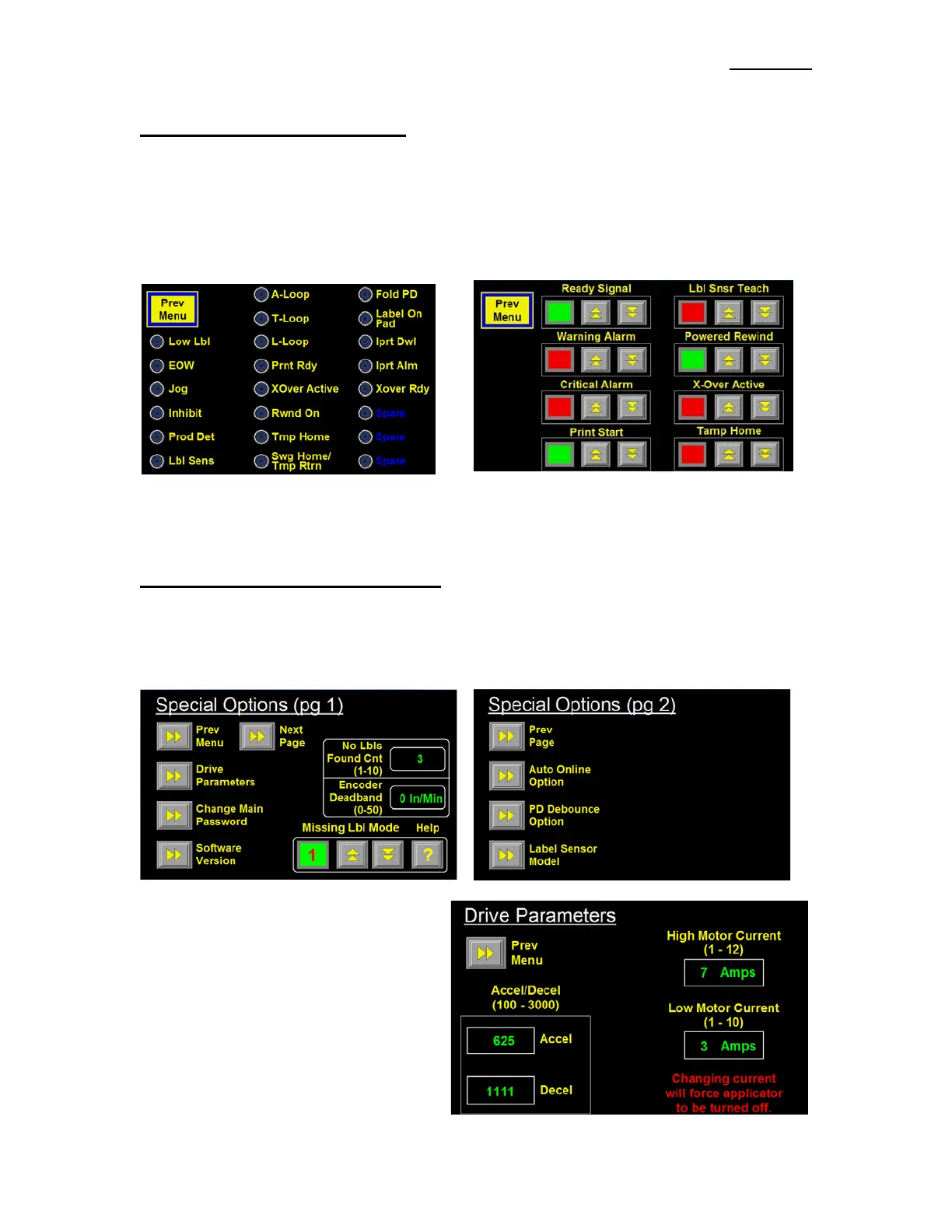
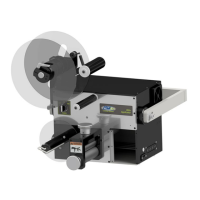
I/O Diagnostics –This section allows the operator to monitor Inputs and to manually turn Outputs on and
off. This serves as a diagnostic tool for a technician.
Reset Label Sensor –This will reset the Label Sensor to its factory values and will update the Applicator
and Sensor to the Trailing Edge detection mode. After a Factory Default, the Display will go to the Label
Sensor Setup Screen where the user can setup the Label Sensor again.
SPECIAL OPTIONS SECTION
This section is for: changing the Motion Parameters, changing the Password, adjusting the number of
consecutive missing labels before a “No Labels Found” alarm and several other Options. To access this
section, touch the upper right hand corner of the Display in the Configuration Menu. A Password Menu
will appear. The Special Options Password is different from any other password and is “5115”.
Drive Parameters - In this section, an operator
can change the Accel/Decel rate of the motor
and the maximum motor drive current setting
Accel/Decel -The larger the Acceleration and
Deceleration values the faster the Applicator
will start and stop. This will increase labeling
rates but web handling may become erratic.
The maximum Accel and Decel rates that can
be achieved depend on the available motor
torque and Motor Current Setting.


 To Next Page