8.930-369.0 • 2848 • Rev. 4/13a
25
PARTS WASHER Troubleshooting Guide
SECTION 4: TROUBLESHOOTING
Step 3:
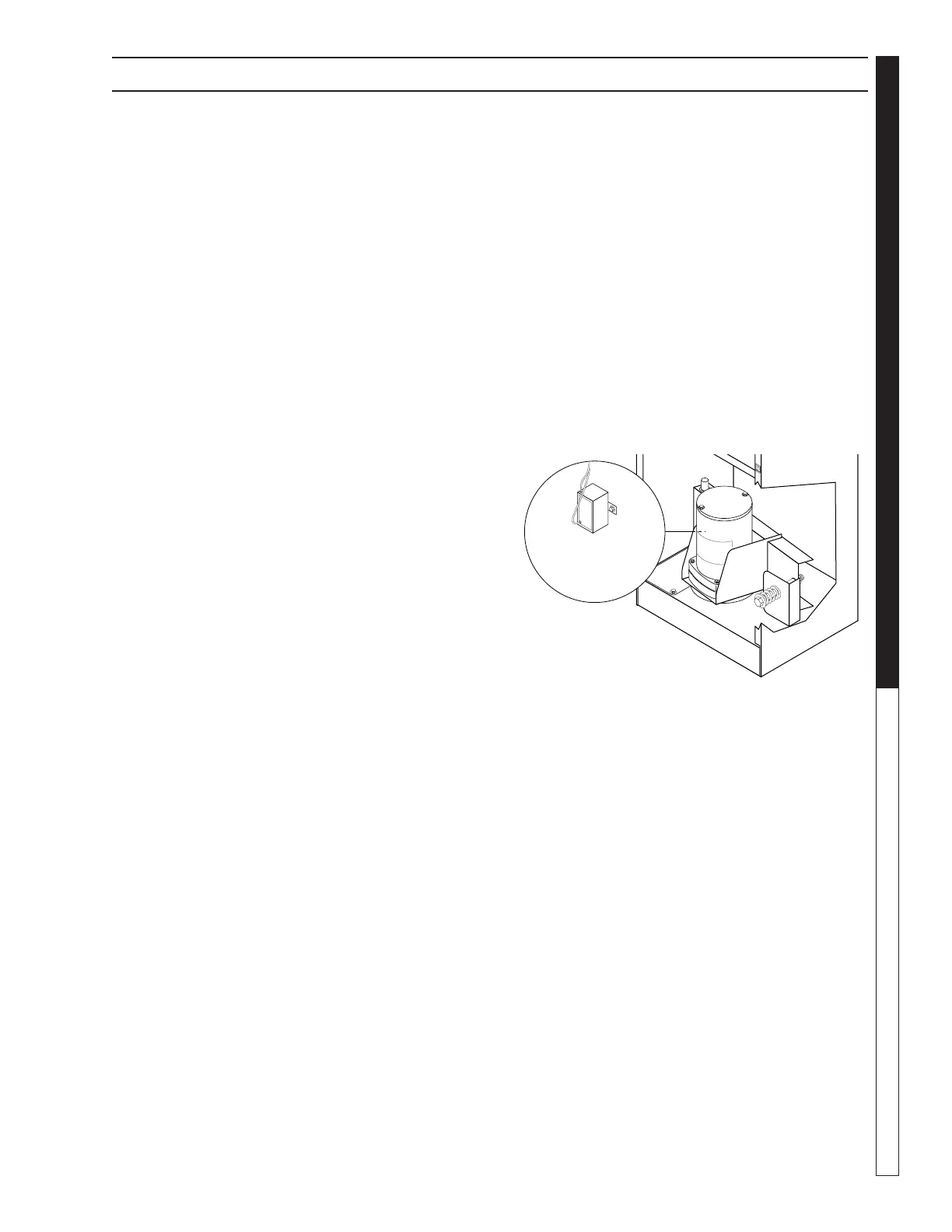
Detach the power leads from the thermostat
(See Figure Below).
Step 4:
Using a large flat-head screwdriver, pry the thermostat
out of the mounting bracket, then remove it from the
machine (See Previous Figure).
Step 5:
Set the thermostat to 120°F, warm it to just above 120°F,
then test for continuity.
If there is continuity, the thermostat is no longer
functional; replace the thermostat.
Step 6:
Allow the thermostat to cool to room temperature, then
test for continuity.
If there is not continuity the thermostat is no longer
functional; replace the thermostat.
Three Phase Thermostat
A three phase thermostat is a complex component.
Please contact your customer service representative
for testing instructions.
Start Capacitor
Step 1:
Disconnect power to the machine.
Step 2:
Remove the main electrical panel cover (eight screws;
use a 5/16” wrench or socket). The turntable motor
assembly is located just below the electrical panel.
Step 3:
Visually inspect the start capacitor (See Figure
Below). If it appears swollen or deformed, it is no longer
functional; replace the start capacitor.
Step 4:
If the start capacitor is not visibly failed, remove it from
the motor bracket, disconnect the wires, and test it for
shorts using an ohm meter.
If the ohm meter reads approximately 1 Ohm, the start
capacitor is no longer functional; replace the start
capacitor.
Start
Capacitor


 To Next Page