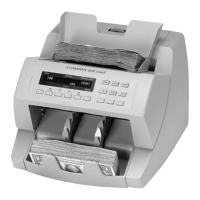
JetCount
®
Currency Counter
All Models
To adjust the sensitivity for food stamps when in COUNT mode, follow the same procedure used
to set up for currency.
Setting SD Detection
If your JetCount is equipped to detect counterfeit currency (models 4021 and 4022) Suspect
Document Detection is enabled by pressing SD. Be sure SD is set to ON in the Key Lockout
Setup Field. The red LED illuminates to indicate that the Magnetics (on model 4021) and/or
UV/Fluorescence Suspect Document feature (Magnetic and UV/FL available on model 4022) is
enabled.
While the appropriate counterfeit detection settings may vary, the following setting is
recommended for initial processing in COUNT mode:
3
7
6
In VALUE mode, the MED setting is recommended with the following sensitivity levels for
initial processing:
1 1 2 3 3 4 5
5 5 6 6 6 8 8
4 5 3 5 5 5 5
To exit the Suspect Document screen, press KEY 3.
JetCount allows the setting of four different sensitivity levels. To make this adjustment,
press SD. The display will show:
Strap Density Denomination
Count Speed
To alter the sensitivity level, press SD and scroll to the desired level.
To save changes to SD settings in normal operating mode, run the motor (by
pressing
or running notes) after changes are made and prior to turning the
machine
.



 To Next Page