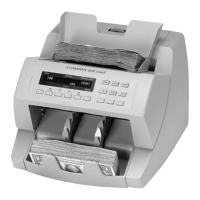
JetCount
®
Currency Counter
All Models
How to Use Value Mode
JetCount can be used to process any document or note that fits in the hopper. It can also be used to
process U.S. currency if the machine is equipped with VALUE mode. Because JetCount does not “read”
the note’s value, it is necessary to preset JetCount before processing currency.
When the ADD function is ON, JetCount will accumulate totals for individual denominations until
RESET is pressed. When the ADD function is OFF, the machine will clear all totals each time the
stacker is emptied.
Processing Documents
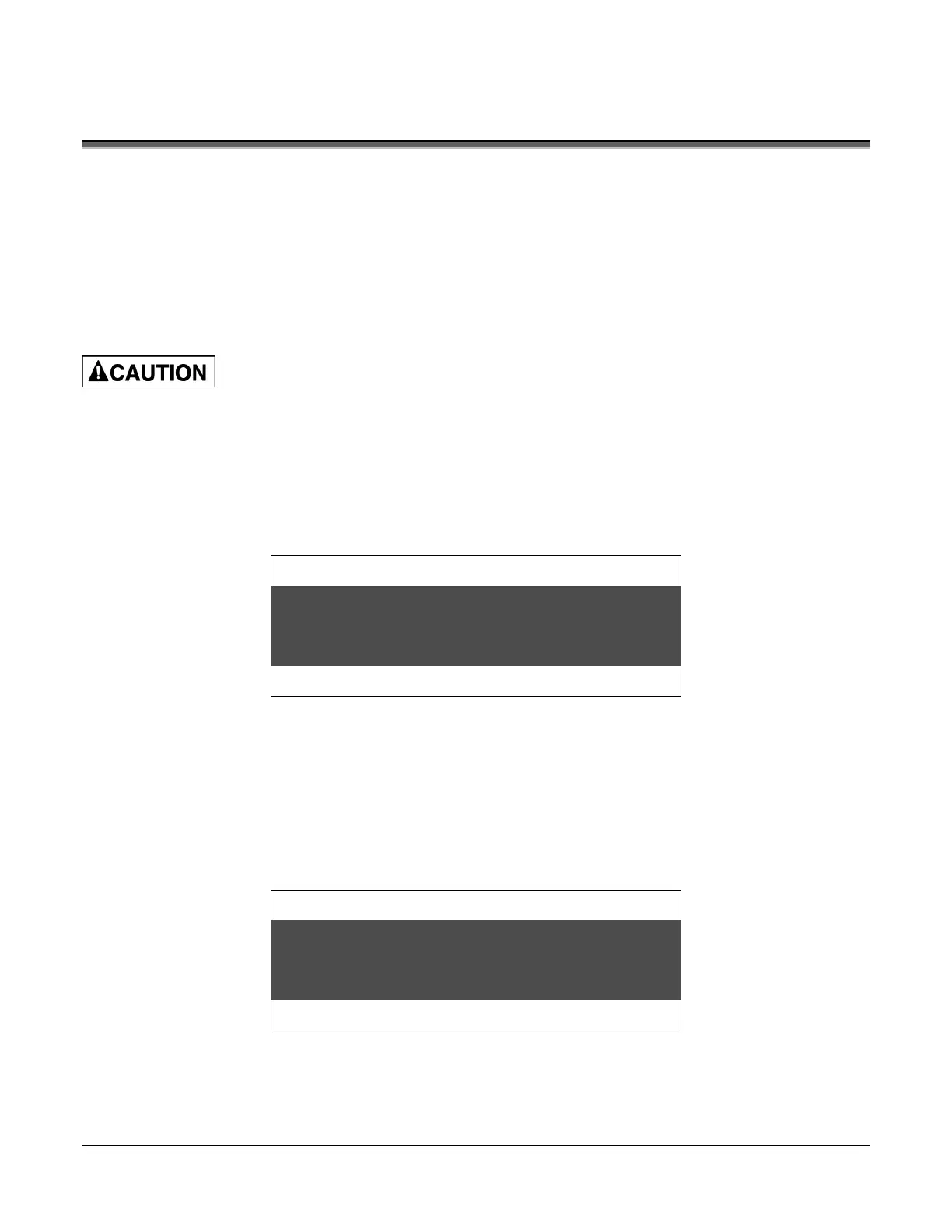
Press VALUE to select CURRENCY PROCESSING (VALUE) mode. Note that a denomination
value appears in the upper right corner of the display. The display will show:
Strap Density Denomination
Count Speed
To count currency, it must first be separated by value (i.e., all $1s together, all $5s together, etc.).
Next, do one of the following:
• Repeatedly press the DENOM key until the value to be counted appears on the screen.
• Use the optional Direct Access Denomination keys with preset denomination
values. Pressing a denomination value key of $10 will produce this screen:
Strap Density Denomination
Count Speed
Machine is auto-start capable. Feed rollers in hopper rotate inward.
Entanglement and drawing-in hazard.
Do not operate with exposed long hair, neckties, jewelry or loose clothing.



 To Next Page