JetCount
®
Currency Counter
All Models
Strap Density Denomination
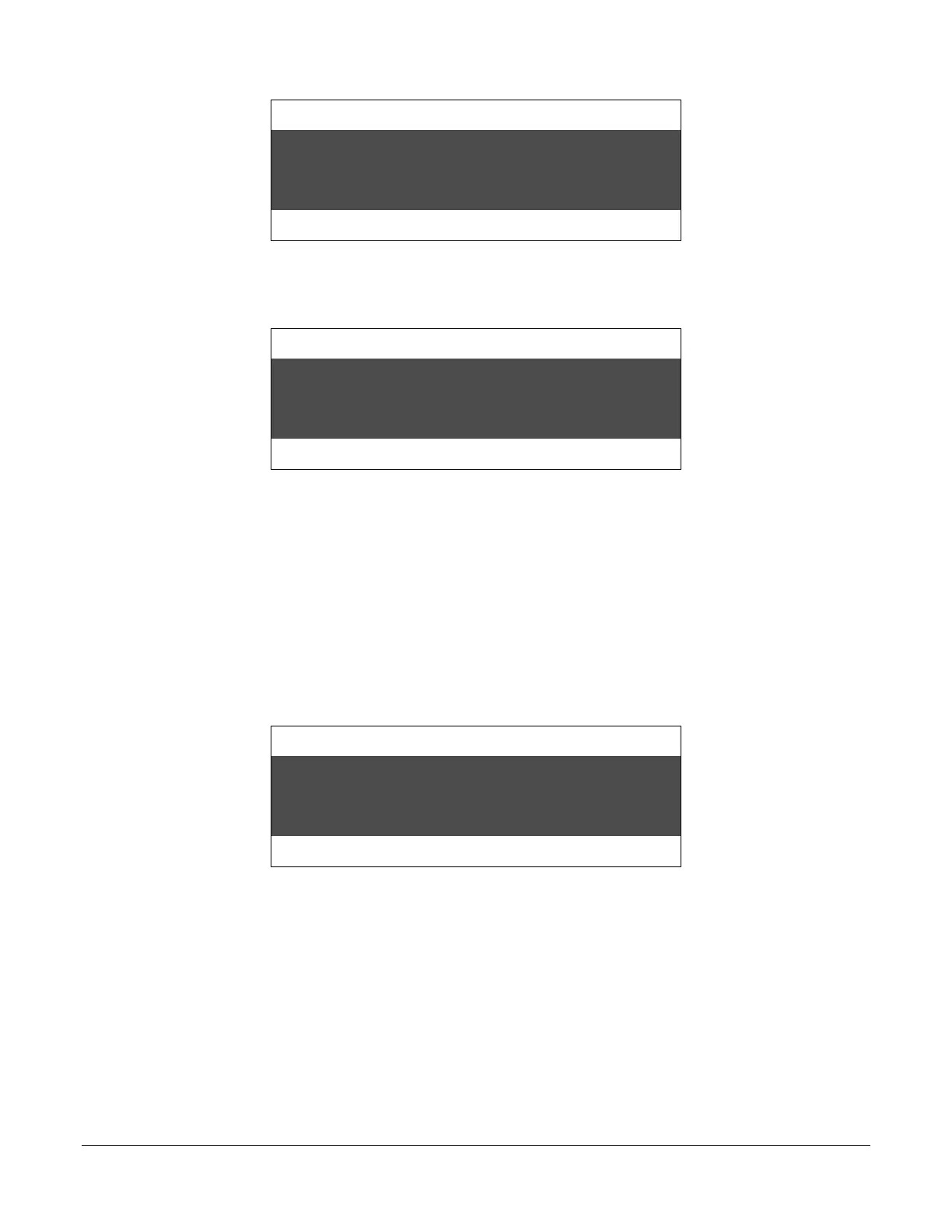
Count Speed
The $150 appearing at the center of the bottom line of the display is the total of all $1s and $5s
processed to this point. Continuing with the $10 notes, the screen reads:
Strap Density Denomination
Count Speed
Again, the bottom line of the display is the total notes processed to this point (assuming the notes
were not removed from the stacker). The total of the currency is $230. This total will remain
until the next group of notes is processed, at which time the count is reset to zero.
Batch Accumulation, ADD Key ON
As in the previous example, the operator has a group of notes consisting of $1s, $5s and $10s
that will be processed with the ADD key ON. First, the notes are separated by denomination.
Then, the DENOM key or Direct Access key is used to select $1. Processing the $1 notes
will produce a screen similar to the following:
Strap Density Denomination
Count Speed
The operator may remove the notes from the stacker. The count total will resume at $30 with the
next note count.



 To Next Page