JetCount
®
Currency Counter
All Models
SD Function
Control
Results
ON OFF OFF ON
• If Mag and UV Option is
, Key Lockout for
both options is automatically set to
.
However, if the Option is changed to
, Key
Lockout will not revert to the
setting.
• Unable to change or view SD Level or sensitivity
settings.
ON OFF/ON ON ON
• If either Mag or UV Key Lockout is
, unable
to change SD sensitivity settings for that option.
• For Mag or UV Key Lockout set to
, can
change SD Hi-Med-Low level and sensitivity.
Function Key Setting
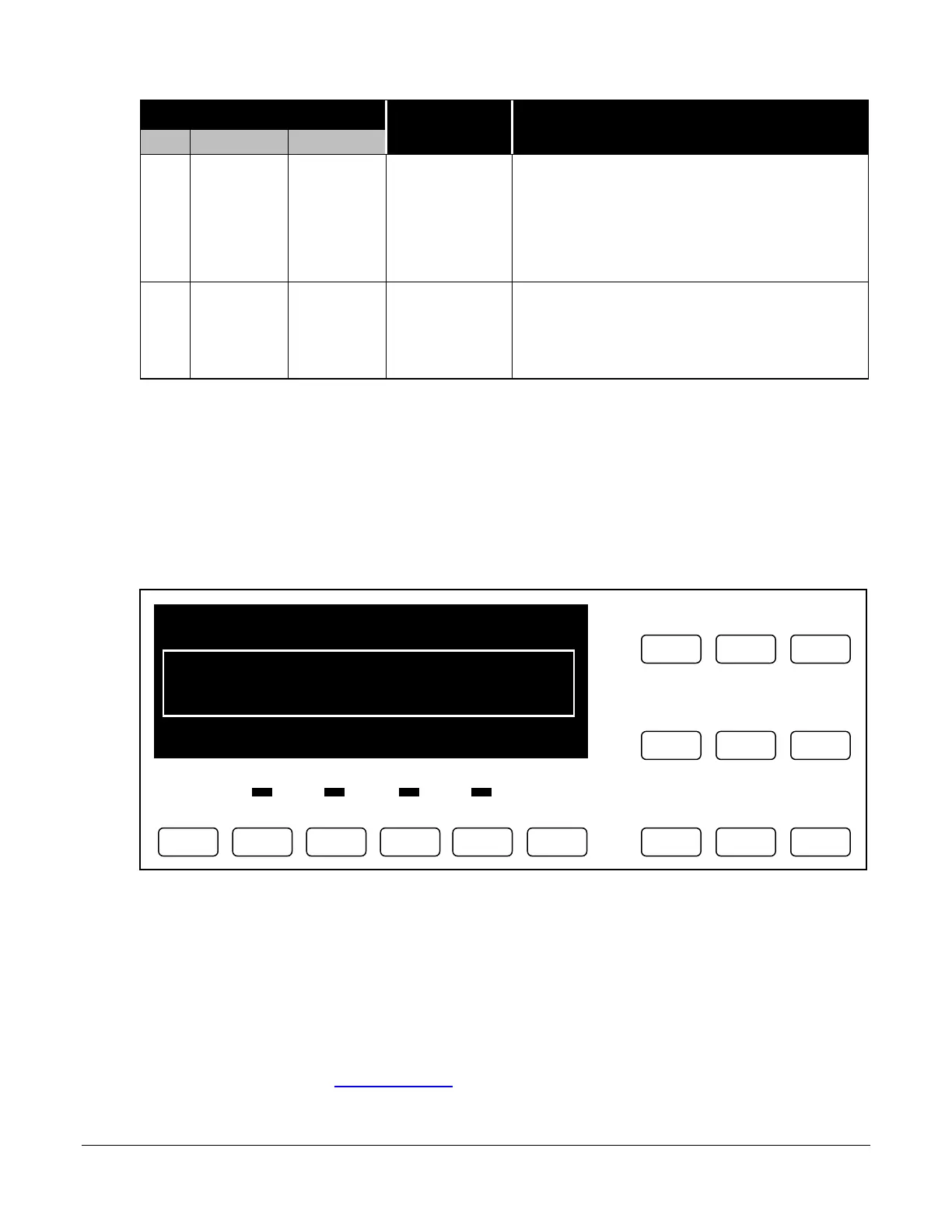
This special feature allows the user to enable Direct Access keys with the optional key-top
kit. You have the option of setting JetCount to function with the Direct Access
Denomination or Direct Access Strapping keys. Within this field it is possible to set
preset values for each key setting. STRAPS or DENOM must be chosen (they are mutually
exclusive, i.e., all keys must be denomination values or strap values). Then, each key must be
defined using the SPEED and ADD keys. Key positions are as follows:
Printer Type
If Port 1 or Port 2 is set to printer, the correct printer type must be selected to ensure proper
printing and printer error reporting. Printer Types are defined as: Generic, Citizen 3535 and
Citizen 270.
Setup Report
This field will appear only if Port 1 or Port 2 is set to Printer. By pressing KEY 3, a print report
is sent to the printer. (See Printed Reports for an example.)
Strap Density Denomination
Key 7 Key 8 Key 9 Key 10 Key 11 Key 12



 To Next Page