JetCount
®
Currency Counter
All Models
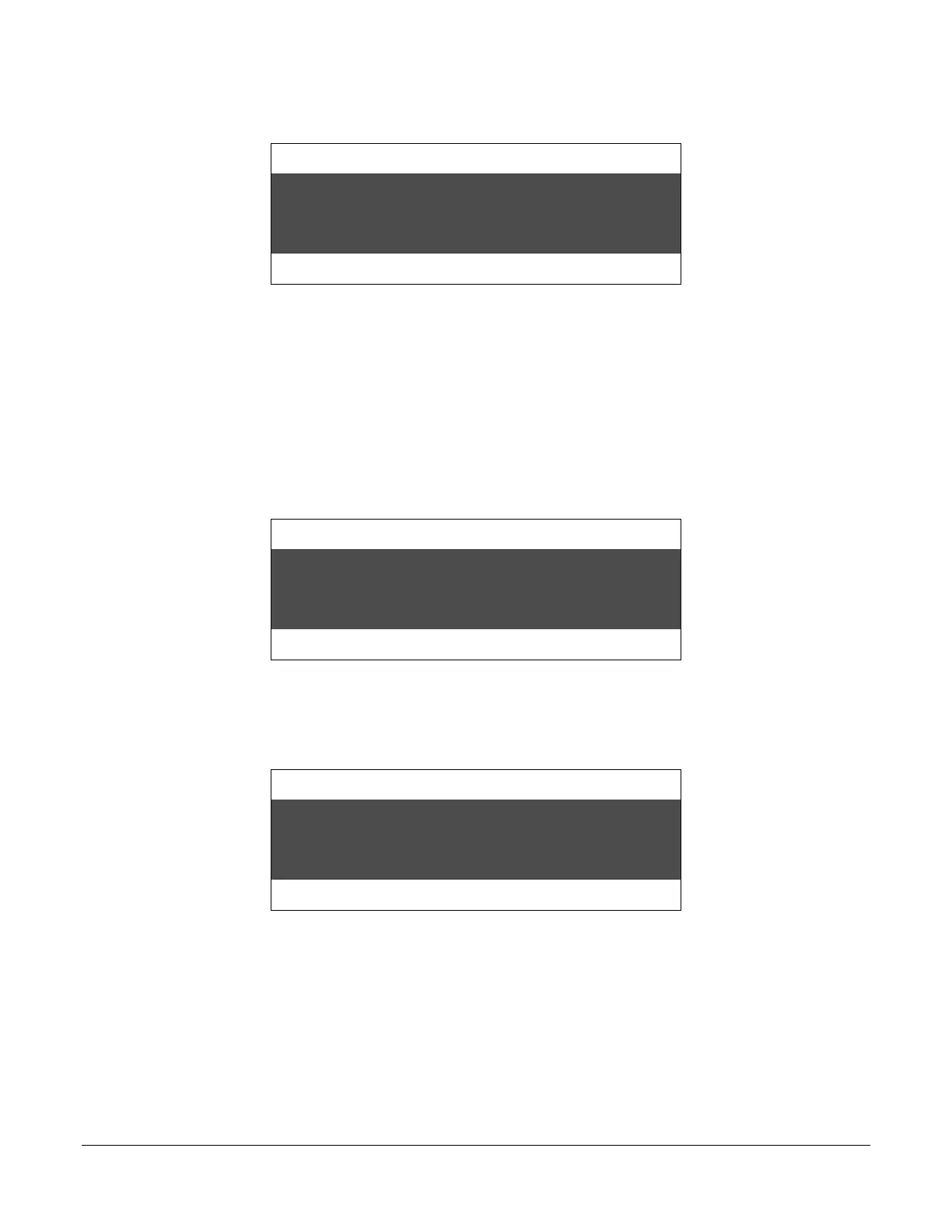
In this case, the display reads:
Strap Density Denomination
Count Speed
Removing notes from the stacker resets the Batch count to zero and, if a printer is enabled, a
Batch Report automatically prints. Reaching a Strap Limit also resets the Batch count to zero.
Batch counts may be manually reset to zero by pressing RESET.
Batch Accumulation, ADD Key ON
With the ADD function ON, JetCount will accumulate totals until RESET is pressed. Press the
ADD key, and the indicator light above the ADD label will light. Operating in COUNT mode
with the ADD key ON produces this screen when 45 coupons are processed.
Strap Density Denomination
Count Speed
The number below the Strap label is the current Strap Limit. The coupons may be left in the
stacker or removed. The Batch count will remain. Another 55 coupons are run. The machine will
“time out” showing a strap limit has been reached:
Strap Density Denomination
Count Speed
The hopper is empty and the machine is in a normal “time-out” condition. When the next Batch
is run, the Batch count will remain at 100 and accumulate from that count.



 To Next Page