© 2012 Cummins-Allison Corp.
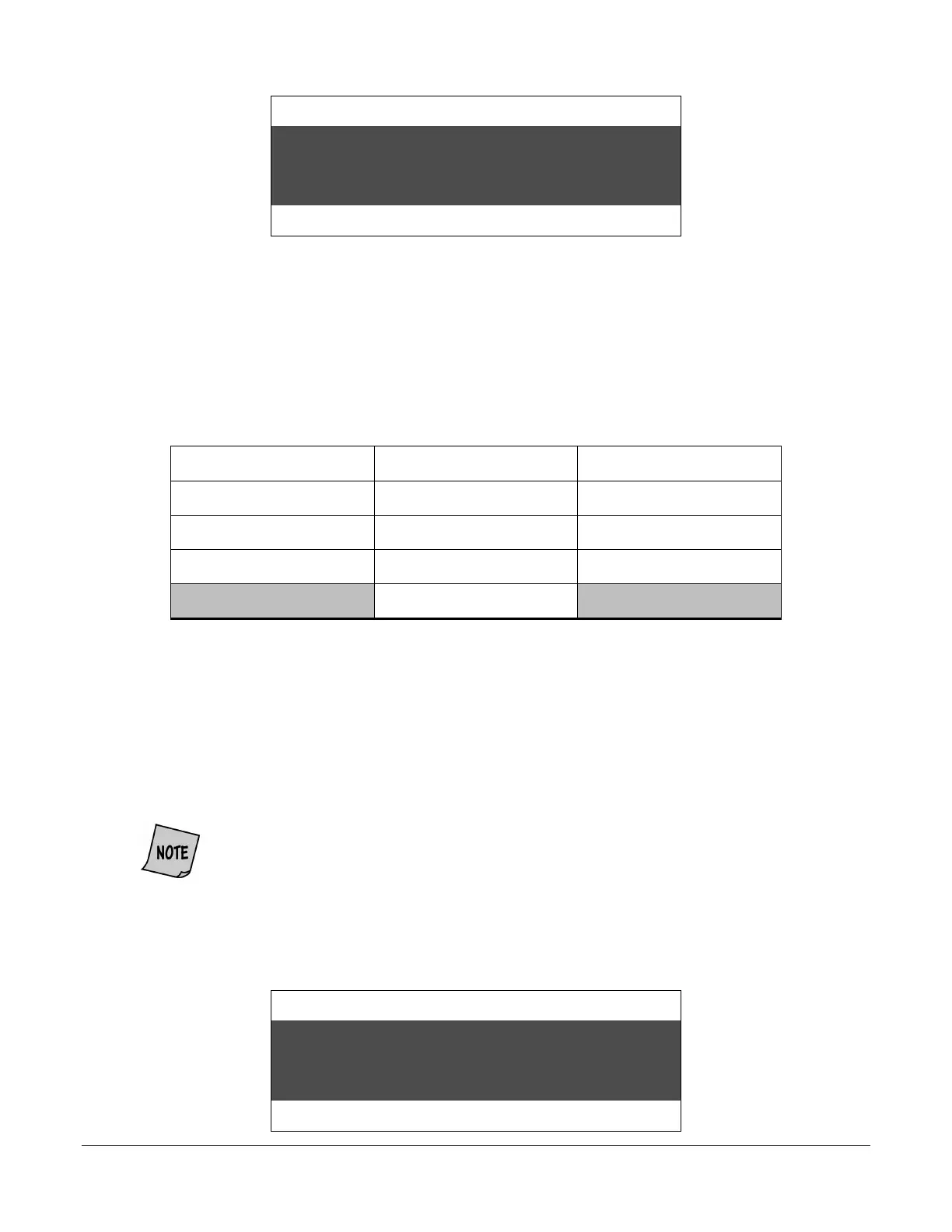
Strap Density Denomination
next selection: press KEY 5
Count Speed
Diagnostic Setup contains special setup options used by trained Cummins Allison service technicians.
Press KEY 5 to return to Special Mode option 1) USER SET UP. To exit the Special Mode Menu and
return to normal operation, press KEY 7.
Setup Fields
JetCount has Setup Fields that control a number of operating conditions. The fields are:
DEFAULT TYPE PORT 2 STATUS FUNCTION KEY SETTING
AUDIO ALARM STATUS KEY LOCKOUT PRINTER TYPE
SPEED SETUP COMM REPORT SETUP REPORT
PORT 1 STATUS OPTIONS REMOTE DISPLAY COUNT
SD FUNCTION CONTROL
To set up the various fields, hold down KEY 15 for 3-5 seconds. Enter USER SET UP by
pressing KEY 3. You may then scroll forward through the fields with KEY 5 or scroll back with
KEY 4. To change a field’s settings, press KEY 3 for an arrow prompt. Then press KEY 13 (to
scroll back) or KEY 14 (to scroll forward) to select among the options.
To make a sub-selection within a field, press KEY 5 or KEY 4 to move the setting arrow. Then
press KEY 13 or KEY 14 to make the sub-selection.
For example, to install and set Denomination Value keys, enter Setup and scroll to Setup
Field 10:
Strap Density Denomination
Count Speed
To save settings (or changes to settings), you must return the arrow to its initial
start position, and then press
to exit the setup option (the arrow should not
appear on the display screen). You may continue setup selection by pressing
or
. To exit setup and begin operation, press
.



 To Next Page